Tapshot io
WASD / Arrow Keys: Move your character.
Mouse Movement: Look around and aim.
Left Mouse Button: Shoot.
Right Mouse Button / Q / E: Zoom.
Space: Jump.
R: Reload your weapon.
1: Equip sniper rifle.
2: Equip revolver.
3: Equip knife.
F: Interact with objects.
Esc: Open the game menu.
F11: Toggle fullscreen mode.





ABOUT TAPSHOT IO
Tapshot io is a fast-paced multiplayer first-person shooter where players battle across different maps using a sniper rifle, revolver, and knife. Every encounter challenges your aiming accuracy, reaction speed, and ability to move quickly while avoiding enemy attacks. You can switch between three weapons to handle different combat situations, from precise long-range shots to close-range confrontations. Eliminating opponents helps you build killstreaks and compete for higher positions on the leaderboard. Beyond individual matches, you can earn XP and money, increase your level, and unlock weapon skins through cases. The game also features a lobby with shop access and runs directly in desktop and mobile browsers without requiring downloads. Enter the arena, land accurate shots, and dominate the leaderboard with your best killstreak!
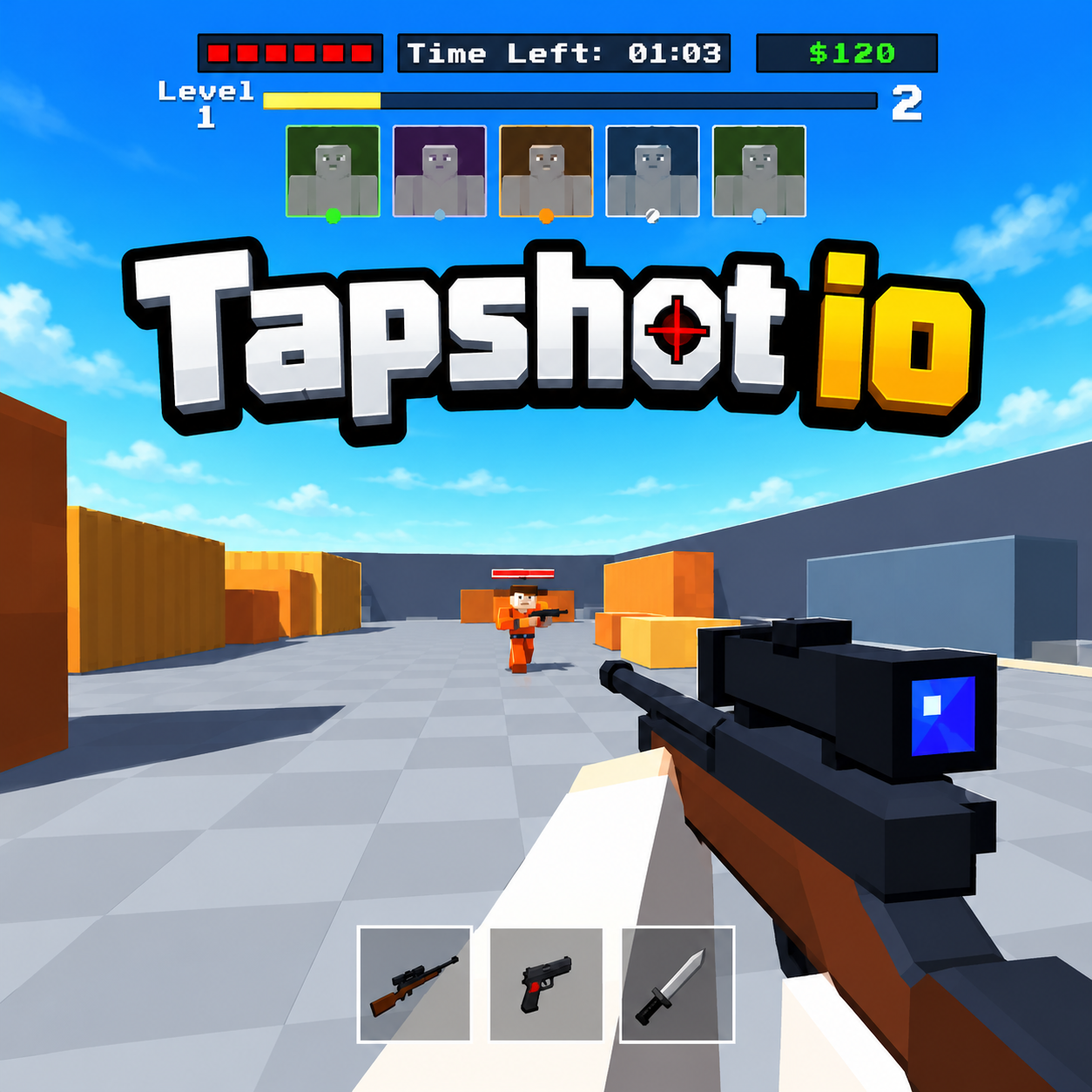
Tapshot io - A multiplayer first-person shooter with sniper combat and weapon customization
GAMEPLAY OVERVIEW
Master Three Weapons in Fast-Paced FPS Battles
Tapshot io focuses on quick reactions, accurate shooting, and constant movement during competitive multiplayer matches. The sniper rifle allows you to target opponents with precise shots, while the revolver provides another firearm option and the knife supports close-range encounters. Switching between these weapons helps you adapt your approach as combat situations change. Moving while aiming is essential because standing still can leave you vulnerable to incoming attacks. Successful eliminations contribute to your killstreak, making consistent accuracy and survival important for improving your leaderboard position.
Earn XP, Open Cases, and Unlock Weapon Skins
Multiplayer battles provide opportunities to collect XP and money, which contribute to your progression beyond individual matches. As you gain experience, you can increase your level and explore additional customization options. The lobby gives you access to the shop and other activities between battles, including opening cases to obtain weapon skins. These skins let you change the appearance of your equipment while keeping the focus on your shooting performance. Building your collection adds another goal alongside improving your killstreaks and leaderboard results.
Compete Across Multiple Maps in Browser Matches
The game features different multiplayer maps where opponents can approach from various positions, requiring you to adjust your movement and aiming. Each match creates opportunities to practice weapon handling, react to enemy attacks, and improve your positioning during gunfights. You can access the action through a web browser on desktop or mobile devices without installing additional software. Full-screen mode is also available for a larger view of the battlefield, helping you focus on the action during competitive encounters.
Control Guide
WASD / Arrow Keys: Move your character.
Mouse Movement: Look around and aim.
Left Mouse Button: Shoot.
Right Mouse Button / Q / E: Zoom.
Space: Jump.
R: Reload your weapon.
1: Equip sniper rifle.
2: Equip revolver.
3: Equip knife.
F: Interact with objects.
Esc: Open the game menu.
F11: Toggle fullscreen mode.