Bowmasters Archery Shooting
PC
- Mouse: Aim your projectile
- Click and Drag: Adjust angle and power
- Release Mouse Button: Fire the weapon
- Mouse Click: Navigate menus and interact with the interface
Mobile / Tablet
- Touch and Drag: Adjust your aim
- Release Touch: Fire the weapon
- Tap: Navigate menus and interact with the interface








ABOUT BOWMASTERS ARCHERY SHOOTING
Bowmasters Archery Shooting turns one-on-one projectile combat into a physics-based aiming challenge where angle, power, distance, and timing determine whether each attack finds its target. You choose a fighter and launch arrows, axes, spears, and other projectiles across the battlefield, with every turn giving you another opportunity to damage your opponent before they defeat you. Accurate shots require careful adjustment rather than random firing, since a missed attempt can reveal how much you need to change your angle or power on the next attack. Progression expands the experience with new characters, special weapons, battle arenas, and stronger attack styles, while different fighters may use different projectiles that change how their attacks behave. Simple drag-and-release controls make the basic shooting system easy to understand, but consistently judging distance and predicting each projectile's path requires greater precision as you continue battling. The game runs in HTML5 across desktop, mobile, and tablet devices, allowing the same aiming-focused action to work with either mouse or touch controls. Judge the distance, fine-tune your shot, and send the perfect projectile flying toward your opponent!
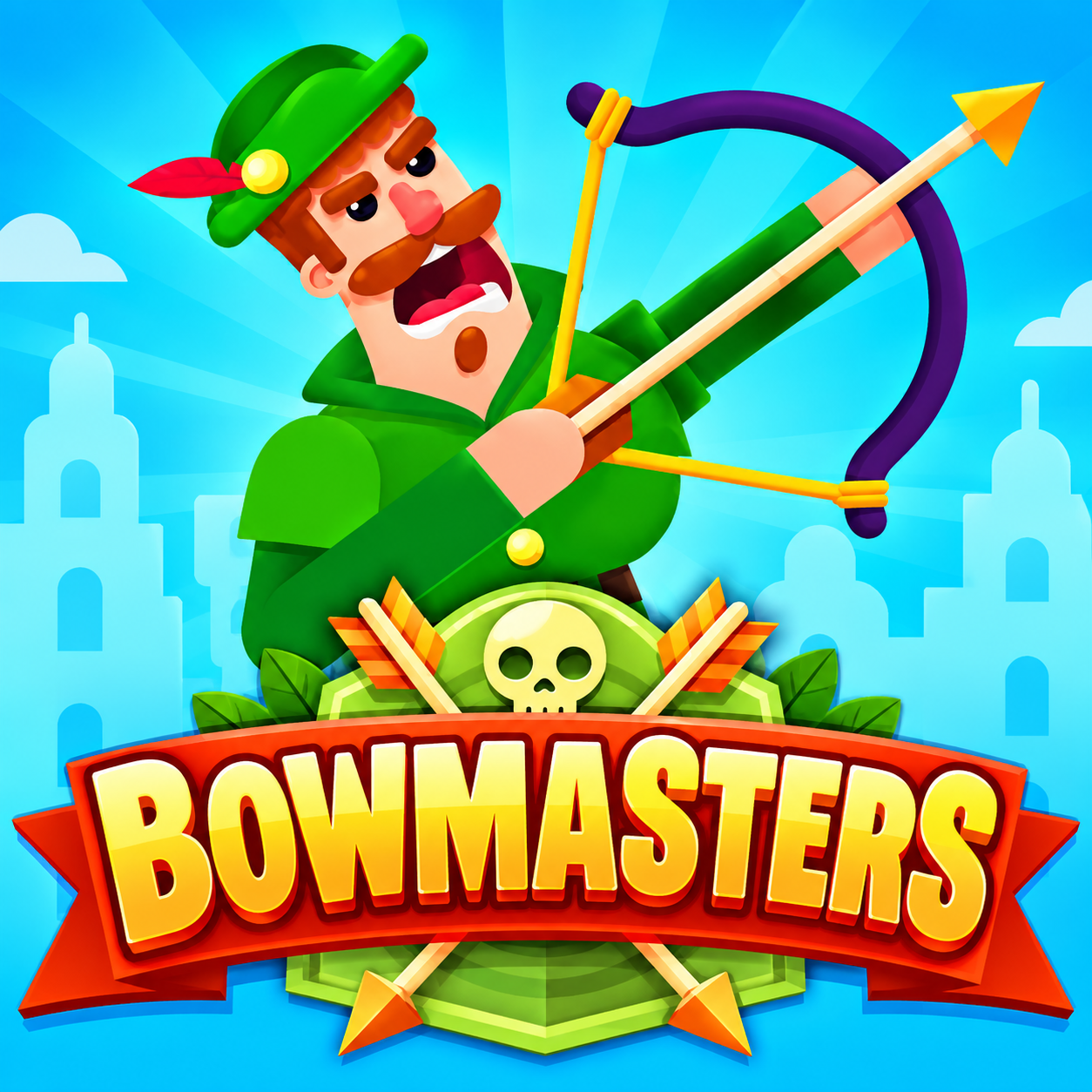
Bowmasters Archery Shooting - A physics-based projectile shooting game
GAMEPLAY OVERVIEW
Calculate Every Projectile Shot
Bowmasters Archery Shooting makes each attack a combination of aiming direction, launch power, timing, and distance judgment as you try to hit an opponent across the battlefield. On PC, clicking and dragging lets you adjust the angle and strength before releasing the mouse button to fire, while touch devices use the same drag-and-release approach. Because different projectiles can be used in battle, carefully predicting the path of each attack becomes an important part of landing accurate hits.
Adjust Your Aim After Every Attempt
Missing a shot does not have to waste the entire attempt, since the projectile's result gives you useful information for correcting your next attack. If a projectile falls short, travels too far, or passes above or below your opponent, you can adjust the angle and power accordingly when your next opportunity arrives. This trial-and-adjustment approach rewards accuracy and careful observation, turning repeated shots into a test of how quickly you can judge distance and refine your aim before your opponent defeats you.
Unlock New Fighters and Battle Options
Progression can unlock additional characters, special weapons, battle arenas, and stronger attack styles, providing new options as you continue winning projectile duels. Different fighters may carry different weapons, including arrows, axes, spears, and other unusual projectiles, helping individual battles feel less repetitive as your available choices expand. Regardless of the fighter or weapon, the central objective remains the same: land effective attacks and defeat your opponent before they can defeat you.
Control Guide
PC
- Mouse: Aim your projectile
- Click and Drag: Adjust angle and power
- Release Mouse Button: Fire the weapon
- Mouse Click: Navigate menus and interact with the interface
Mobile / Tablet
- Touch and Drag: Adjust your aim
- Release Touch: Fire the weapon
- Tap: Navigate menus and interact with the interface
SIMILAR GAMES