Sprunkybox
Mouse: Drag and drop characters onto the stage
Left Mouse Button: Select Mute, Solo, or Remove controls
Spacebar: Restart the current mix
F: Toggle fullscreen mode
Esc: Close an open panel













ABOUT SPRUNKYBOX
Sprunkybox is a Halloween-themed music creation game where players combine quirky monster characters to produce unique beats, melodies, and spooky soundtracks. The game features 20 handmade felt monsters, each contributing distinctive sounds and animations to a pumpkin-framed stage beneath glowing stars. Your main objective is to arrange up to seven characters into a musical band and experiment with different sound combinations. You can adjust individual performances using Mute, Solo, and Remove controls to create your preferred musical arrangements. The game also features 19 hidden songs that can be discovered by combining specific characters and following musical clues. Light Mode and Dark Mode introduce different atmospheres, with the darker version featuring eerie visuals and alternative character sounds. Assemble your monster band, experiment with haunting melodies, and uncover every secret song hidden in this Halloween music playground!
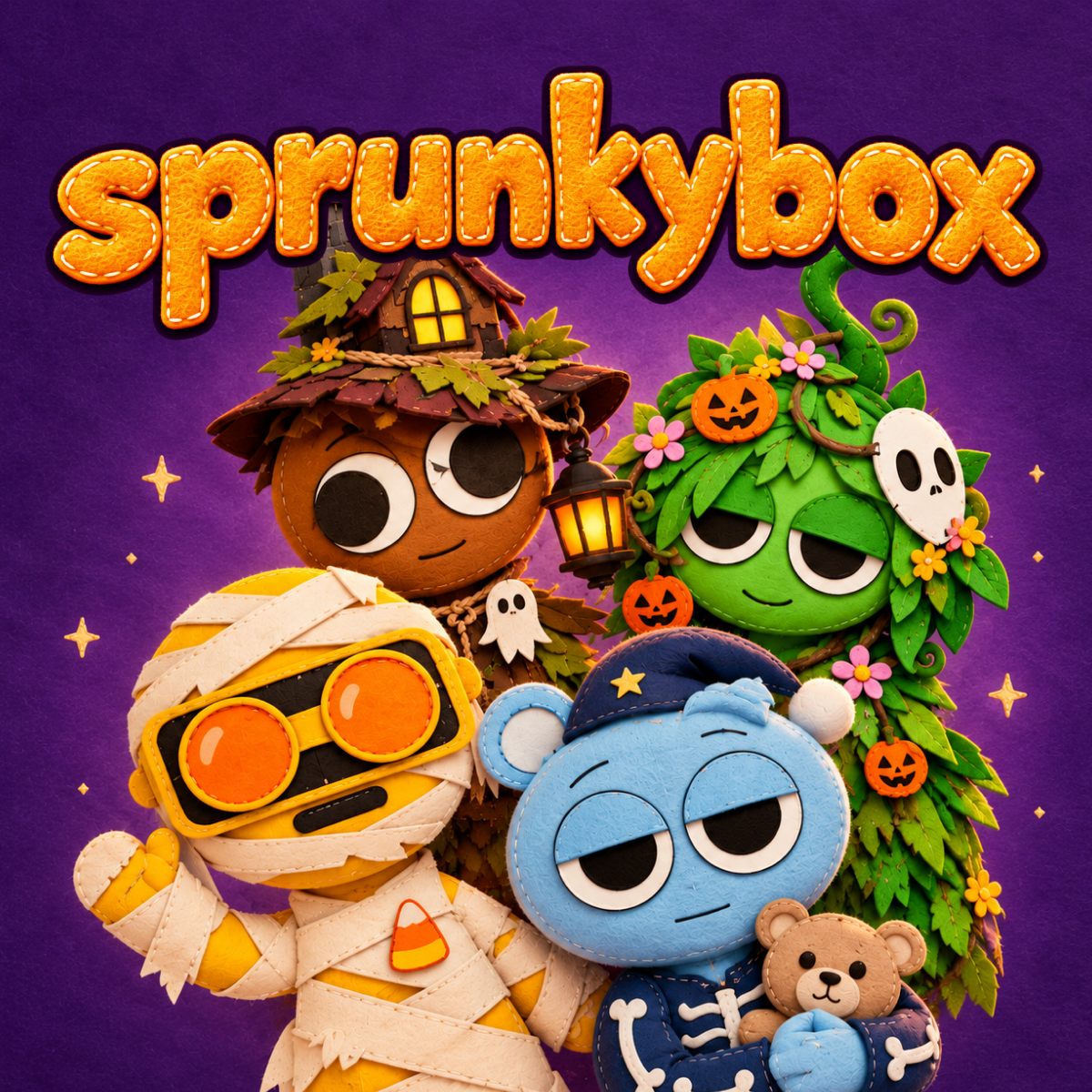
Sprunkybox - A Halloween-themed music mixing and creative rhythm game
GAMEPLAY OVERVIEW
Build a Seven-Character Monster Band
Sprunkybox lets you create musical compositions by arranging characters across seven available stage slots. Choose from 20 felt monsters and drag them onto the stage to combine beats, basslines, melodies, voices, and spooky sound effects. Each character contributes a unique sound and dance animation, bringing your musical arrangement to life. Different combinations blend harmoniously, allowing you to experiment freely without worrying about incorrect musical choices.
Discover 19 Hidden Songs and Musical Combinations
The game includes 19 secret songs that you can unlock by discovering specific character arrangements. Experiment with duets, trios, and quartets while watching for musical hints such as filling badges, faint echoes, and mysterious silhouettes. Filling all seven stage slots with the right combination can reveal a special legendary song. Your discoveries are recorded in a Music Book with separate pages for Light Mode and Dark Mode, helping you track your collection.
Transform Your Music With Dark Mode
Placing the mysterious black character onto the stage activates a darker version of the musical playground. Lightning flashes, thunder sounds, glowing red eyes, and creeping shadows transform the cheerful Halloween setting into an eerie environment. In this second phase, characters introduce new sounds that create a more unsettling musical atmosphere. You can also switch between cozy Light Mode and spooky Dark Mode backgrounds to change the appearance of your stage.
Control Guide
Mouse: Drag and drop characters onto the stage
Left Mouse Button: Select Mute, Solo, or Remove controls
Spacebar: Restart the current mix
F: Toggle fullscreen mode
Esc: Close an open panel
SIMILAR GAMES