Wave Dash
- Mouse Hold: The wave moves diagonally upward during navigation.
- Mouse Release: The wave changes direction instantly to continue zigzag movement.









ABOUT WAVE DASH
Wave Dash is a fast-paced challenge with a geometric wave through evolving paths. Players need to overcome spikes, sharp turns, and narrow corridors to survive. Each stage increases difficulty through tighter spaces and more demanding layouts. Progression depends on steady control and consistent performance across sequentially unlocked levels. The experience emphasizes patience, rhythm, and calm reactions under pressure. Coins and challenges add motivation beyond simple stage completion. Start mastering the wave right now!
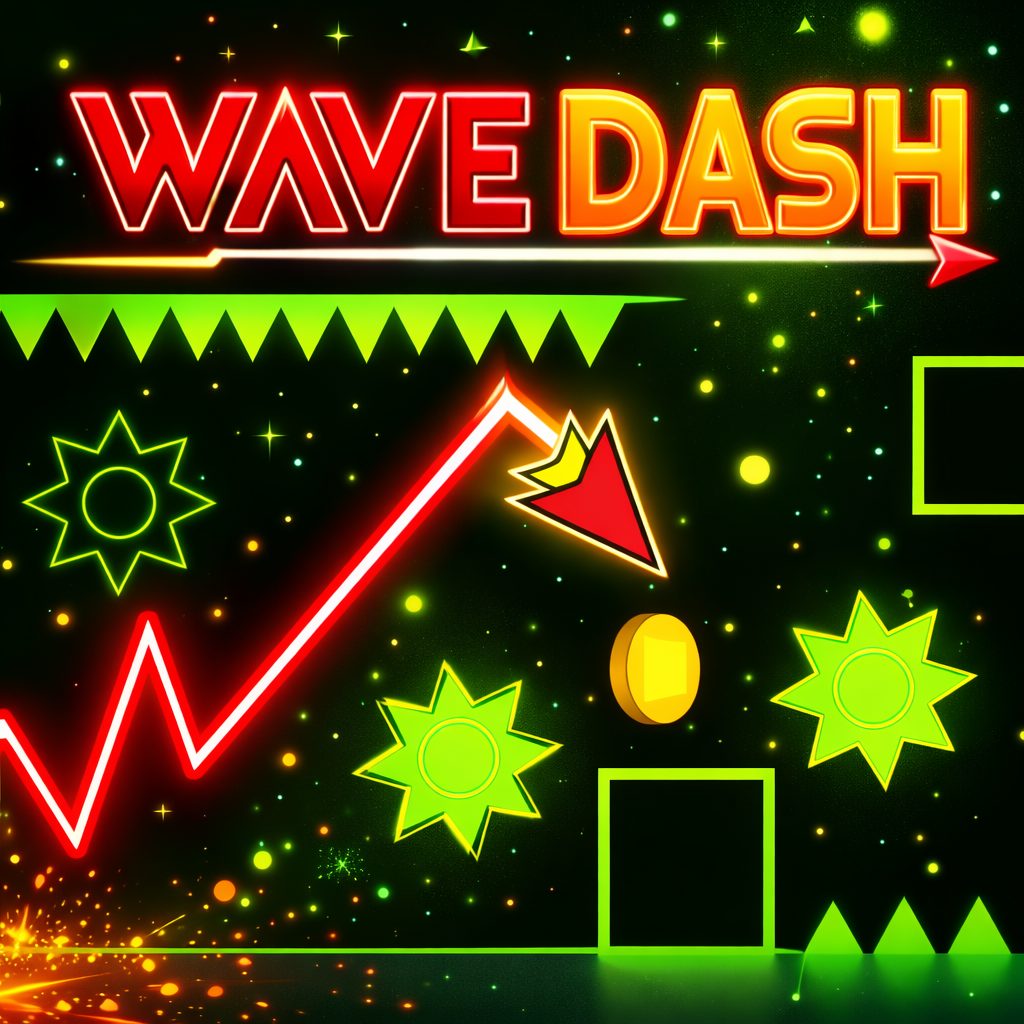
Precision Wave Navigation Through Dangerous Paths
GAMEPLAY OVERVIEW
Core Control Mechanics
Wave Dash relies on a simple one-button control system centered on zigzag movement. Holding the mouse sends the wave diagonally upward through the level. Releasing the mouse flips the wave direction instantly. Tight corridors punish hesitation and reward clean timing.
Level Progression and Challenges
Levels unlock in sequence and grow more complex with sharper angles and narrower paths. Some stages shift into steep tunnels or vertical passages requiring strong spatial judgment. Difficulty rises steadily and keeps tension constant throughout progression. Coins appear along risky routes and encourage confident movement choices. Missions and environmental changes expand challenge variety across levels.
Customization and Level Editor
Collected coins unlock visual customization options such as skins and colors. These options allow personal expression without affecting gameplay mechanics. A built-in level editor allows players to design custom wave paths. The editor supports blocks, slopes, and hazards for varied layouts. Players can test creations instantly and refine difficulty and flow. Shared community levels extend replay value beyond official content.
CONTROLS GUIDE
- Mouse Hold: The wave moves diagonally upward during navigation.
- Mouse Release: The wave changes direction instantly to continue zigzag movement.
SIMILAR GAMES