Geometry Vibes 2
- Left Mouse Button / Space: Hold to fly upward
- Release Left Mouse Button / Space: Move downward
- Short taps: Make small movements
- Longer holds: Climb higher
- Player 1 – Left Mouse Button / Space: Control Player 1
- Player 2 – Up Arrow: Control Player 2
- Player 3 – H: Control Player 3
- Player 4 – L: Control Player 4





ABOUT GEOMETRY VIBES 2
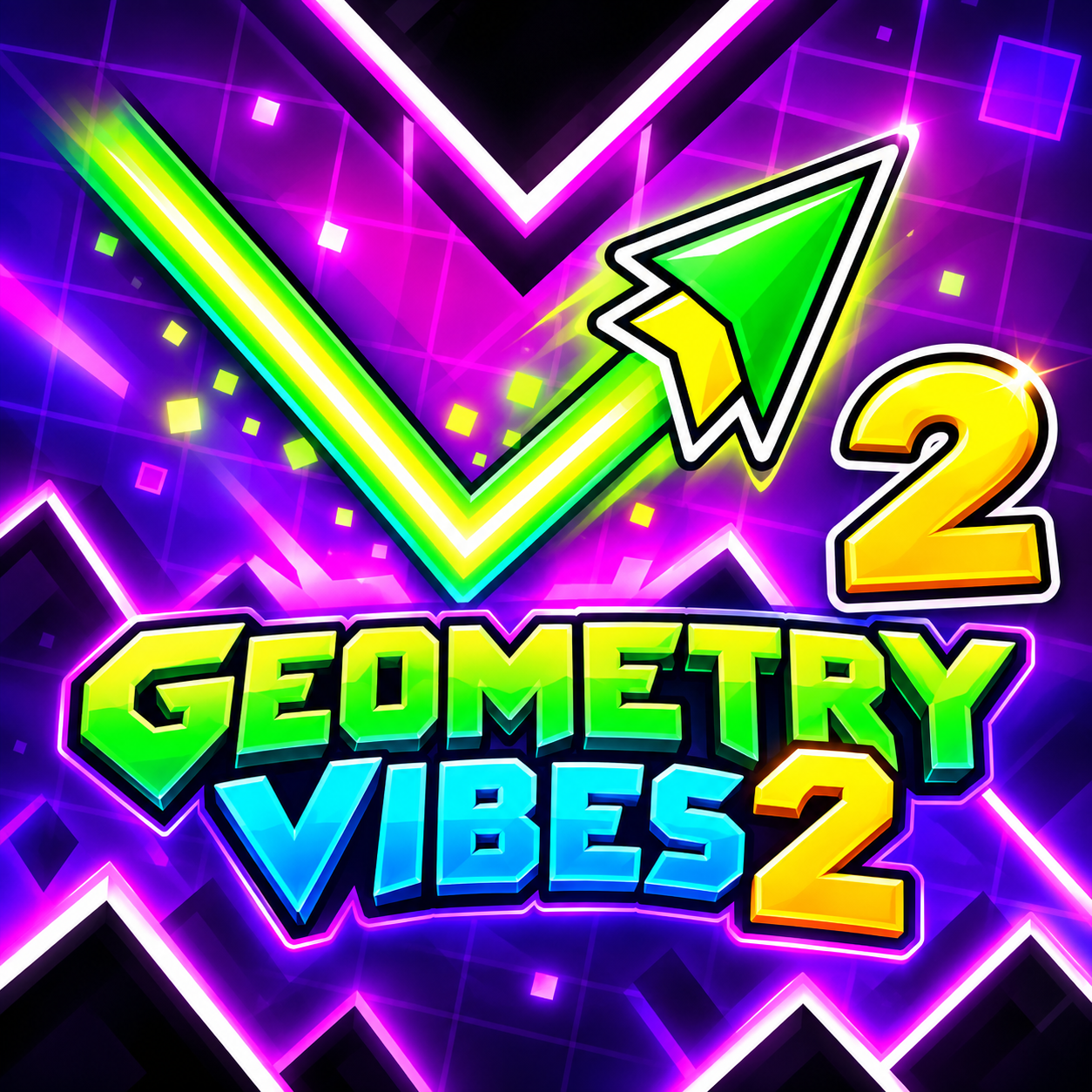
Geometry Vibes 2 is a reaction-based arcade obstacle game built around guiding an arrow past spikes, walls, and traps with precisely timed climbs and descents. Building on the original movement system and geometric visual style, this sequel expands Classic Mode to 20 increasingly difficult levels and introduces a renewed Infinity Mode. Online multiplayer lets you face a random opponent or create a private room to compete directly with a friend, while Race Mode supports local races for two, three, or four players on the same device. Coins collected during gameplay and earned through level progression can be spent on customization, including 24 arrow skins and 16 trails that can be combined with custom colors. The game also supports phones and tablets with touch controls alongside its browser-based experience. Whether you are working through Classic levels, pushing your reflexes in Infinity Mode, or racing other players, accurate timing remains essential for passing narrow openings without crashing. Master each rise and fall, customize your arrow, and race through the hazards to reach the finish portal first!
Geometry Vibes 2 Online - A reaction-based arcade obstacle racing game
GAMEPLAY OVERVIEW
Thread Your Arrow Through Narrow Gaps
Geometry Vibes 2 uses a simple movement system in which holding the Left Mouse Button or Space sends the arrow upward and releasing the input moves it downward. Short taps create smaller movements, while longer holds allow the arrow to climb higher, making input duration important when navigating tight spaces. The objective is to reach the end of a level without touching spikes, walls, or other obstacles, so success depends on controlling your movement and reacting at the right moment.
Take On 20 Levels or Enter Infinity Mode
Classic Mode contains 20 levels that become increasingly difficult, doubling the 10-level count provided for the original game. Infinity Mode replaces the original Endless Mode and offers another way to test how far your reflexes can carry you. Coins add progression to these runs because they can be collected during gameplay and earned by advancing through levels, then spent on new arrow skins and trails.
Race Online or Share the Same Device
Online multiplayer adds head-to-head competition against either a random opponent or a friend invited through a private room, with victory going to the first player who completes the level. Local Race Mode remains available for two, three, or four players competing together on one device. Each local player receives a dedicated input, keeping the multiplayer control scheme centered on the same single-action movement used throughout the experience.
Control Guide
- Left Mouse Button / Space: Hold to fly upward
- Release Left Mouse Button / Space: Move downward
- Short taps: Make small movements
- Longer holds: Climb higher
- Player 1 – Left Mouse Button / Space: Control Player 1
- Player 2 – Up Arrow: Control Player 2
- Player 3 – H: Control Player 3
- Player 4 – L: Control Player 4
SIMILAR GAMES