Dont splash
Solo Mode
WASD: Move your character.
Mouse: Look around.
Space: Jump.
Shift: Run.
Left Mouse Button: Throw objects.
R: Take a photo.
Q: Push.
P: Pause the game.
Two-Player Mode
Player 1
W / S: Walk.
A / D: Turn.
Space: Jump.
F: Use or interact.
Player 2
Arrow Keys: Walk and turn.
Enter: Jump.
L: Use or interact.
Mobile
Virtual Joystick: Control movement.
On-Screen Buttons: Perform available actions.



ABOUT DONT SPLASH
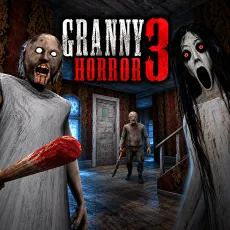
Dont Splash is a 3D horror platformer where you must escape an abandoned swimming pool while avoiding a blind creature that hunts anything making noise in the water. Surrounded by thick fog, you navigate dangerous platforms across nine rooms filled with sinking tiles, rotating bridges, drifting floors, and crushing walls. Falling into the water creates a splash that alerts the monster, turning every jump into a risky decision. You can throw pebbles and bottles to distract the creature, giving yourself an opportunity to move through dangerous areas. The escape also requires you to photograph a hidden code that unlocks the final door. Beyond the solo experience, local two-player split-screen mode lets you cooperate with a friend, including reviving each other when necessary. Time your jumps, distract the lurking monster, and escape the abandoned pool without making a splash!
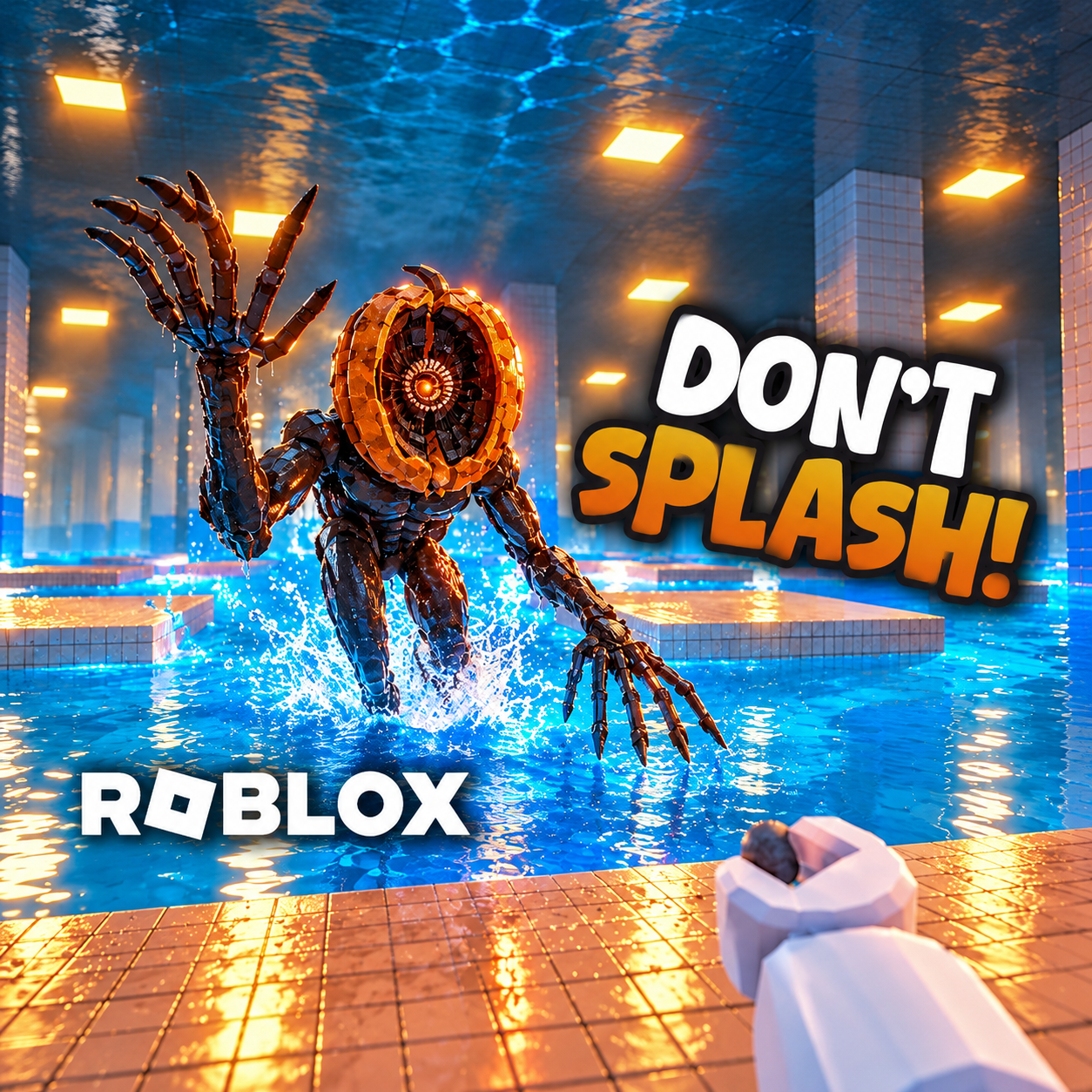
Dont Splash - A 3D horror platformer with stealth survival and local co-op gameplay
GAMEPLAY OVERVIEW
Cross Nine Rooms of Dangerous Pool Obstacles
Dont Splash takes place inside an endless abandoned swimming pool where fog limits your view and unstable platforms make movement unpredictable. Your objective is to navigate nine rooms while staying out of the water, where a dangerous creature waits for signs of movement. Sinking tiles force you to act quickly before your footing disappears, while rotating bridges and drifting floors challenge your ability to judge distance and timing. Crushing walls introduce additional hazards that require careful positioning. Every successful jump brings you closer to the exit, but falling into the pool can immediately attract the monster.
Distract the Blind Monster and Find the Exit Code
The creature hiding beneath the water cannot see you, but it can detect sounds, making splashes especially dangerous. To avoid drawing its attention, you must carefully plan your movements across the platforms. Pebbles and bottles provide a distraction mechanic, allowing you to throw objects and lure the monster away from your intended route. This creates opportunities to cross hazardous sections without becoming its next target. Escaping also involves locating a hidden code and photographing it to unlock the final door, adding an exploration objective to the platforming challenges.
Survive Alone or Escape Together in Split-Screen Mode
You can experience the horror challenge alone or play with a friend using local two-player split-screen on one keyboard. In cooperative mode, both players navigate the dangerous environment while trying to avoid the creature beneath the water. The ability to revive your partner adds another layer of teamwork, allowing you to help each other recover during the escape. Coordinating movement across unstable platforms becomes particularly important when both players must survive the same hazardous rooms. Whether playing solo or cooperatively, reaching the final door requires precise jumping, careful distractions, and successful navigation through the pool.
Control Guide
Solo Mode
WASD: Move your character.
Mouse: Look around.
Space: Jump.
Shift: Run.
Left Mouse Button: Throw objects.
R: Take a photo.
Q: Push.
P: Pause the game.
Two-Player Mode
Player 1
W / S: Walk.
A / D: Turn.
Space: Jump.
F: Use or interact.
Player 2
Arrow Keys: Walk and turn.
Enter: Jump.
L: Use or interact.
Mobile
Virtual Joystick: Control movement.
On-Screen Buttons: Perform available actions.