Paint for Money
PC Controls
WASD: Move your character.
Right Mouse Button: Rotate the camera.
Left Mouse Button: Interact with the interface.
Spacebar: Jump.
Mouse Wheel: Zoom in or out.
Mobile Controls
Left Side of Screen: Control movement.
Right Side of Screen: Rotate the camera.
Tap: Interact with the interface.
ABOUT PAINT FOR MONEY
Paint for Money is a Roblox-style multiplayer drawing game where players compete in timed art challenges, vote on creative masterpieces, and enjoy parkour activities together. Each drawing round introduces a random theme, challenging you to turn your imagination into artwork before the timer runs out. Once the drawing phase ends, you can explore other players' creations, award stars to your favorites, and receive likes for your own designs. Beyond the artistic competitions, the game features parkour platforms and playful interactions that let you have fun with friends between drawing sessions. Completing challenges and participating in activities allows you to earn coins and stars, which can be used to unlock character skins. A leaderboard adds a competitive element, encouraging players to improve their performances while expressing their creativity. Pick up your virtual brushes, create impressive artwork, and compete to become the most popular artist!
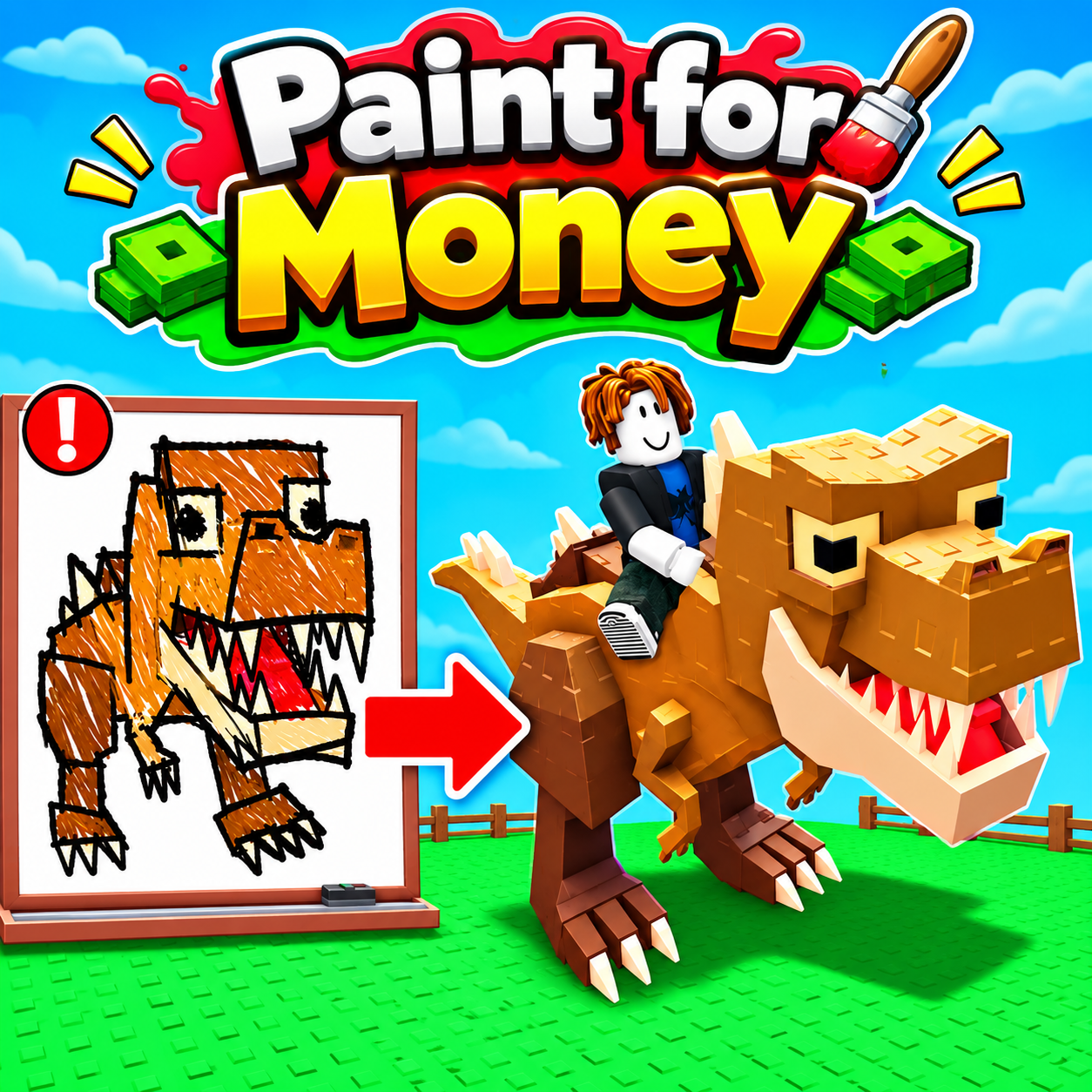
Paint for Money - A Roblox-style multiplayer drawing and creative competition game
GAMEPLAY OVERVIEW
Create Artwork in Timed Drawing Challenges
Paint for Money centers on Speed Draw competitions where every round begins with a randomly assigned drawing theme. Your objective is to interpret the theme and complete your artwork before the time limit expires. You can use virtual brushes to express your ideas, whether you prefer simple illustrations or more detailed designs. The countdown encourages quick thinking and creativity, making each challenge an opportunity to experiment with different artistic approaches. Since the themes change between rounds, you must adapt your drawings to new subjects rather than repeating the same artwork.
Vote for Other Players and Collect Stars
After the drawing phase, players can view artwork created by other participants and rate their favorite submissions. The voting system allows you to award stars to impressive designs while collecting likes for your own creations. This creates a social competition where imagination and artistic expression play an important role in each round. You can compare different interpretations of the same theme, discover creative ideas from other players, and see how your artwork is received. Every competition offers another chance to showcase your drawing abilities and gain recognition.
Explore Parkour Challenges and Unlock Character Skins
Drawing is only one part of the multiplayer experience. When you want a break from artistic challenges, you can explore parkour areas, jump across platforms, and compete with friends in playful activities. The game also includes slap interactions, adding a lighthearted competitive element outside the drawing rounds.
As you participate, you can earn coins and stars that contribute to your progression. These rewards allow you to purchase character skins and personalize your appearance. The leaderboard provides an additional goal for competitive players, giving you a reason to keep participating in drawing contests and other activities.
Control Guide
PC Controls
WASD: Move your character.
Right Mouse Button: Rotate the camera.
Left Mouse Button: Interact with the interface.
Spacebar: Jump.
Mouse Wheel: Zoom in or out.
Mobile Controls
Left Side of Screen: Control movement.
Right Side of Screen: Rotate the camera.
Tap: Interact with the interface.