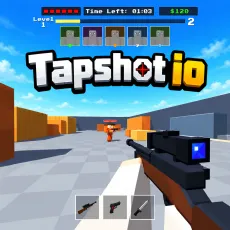
Counter Strike
WASD: Move
Space: Jump
Z: Crouch
Shift: Walk Silently
Left Mouse Button (LMB): Aim / Shoot
Right Mouse Button (RMB): Secondary Aim / Scope (if supported by the weapon)
R: Reload
1–4: Switch Weapons
E: Pick Up Weapon (aim at the weapon on the ground)
F: Inspect Weapon
B: Open Buy Menu




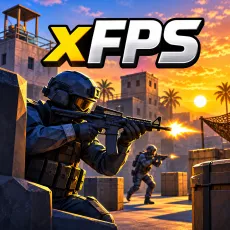





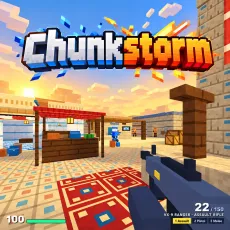


ABOUT COUNTER STRIKE
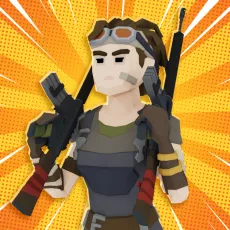
Counter Strike is a browser-based tactical first-person shooter inspired by classic FPS games, bringing familiar gunplay and fast-paced matches directly to your browser. Fight across iconic maps like Dust2, Mirage, and Pool while choosing from a wide arsenal of weapons to suit your playstyle. Master movement, aim carefully, and use tactical actions such as crouching and silent walking to gain an advantage over your opponents. You can also customize your appearance with stylish weapon skins and switch between different weapons during combat. Choose your loadout, sharpen your shooting skills, and jump into the action!
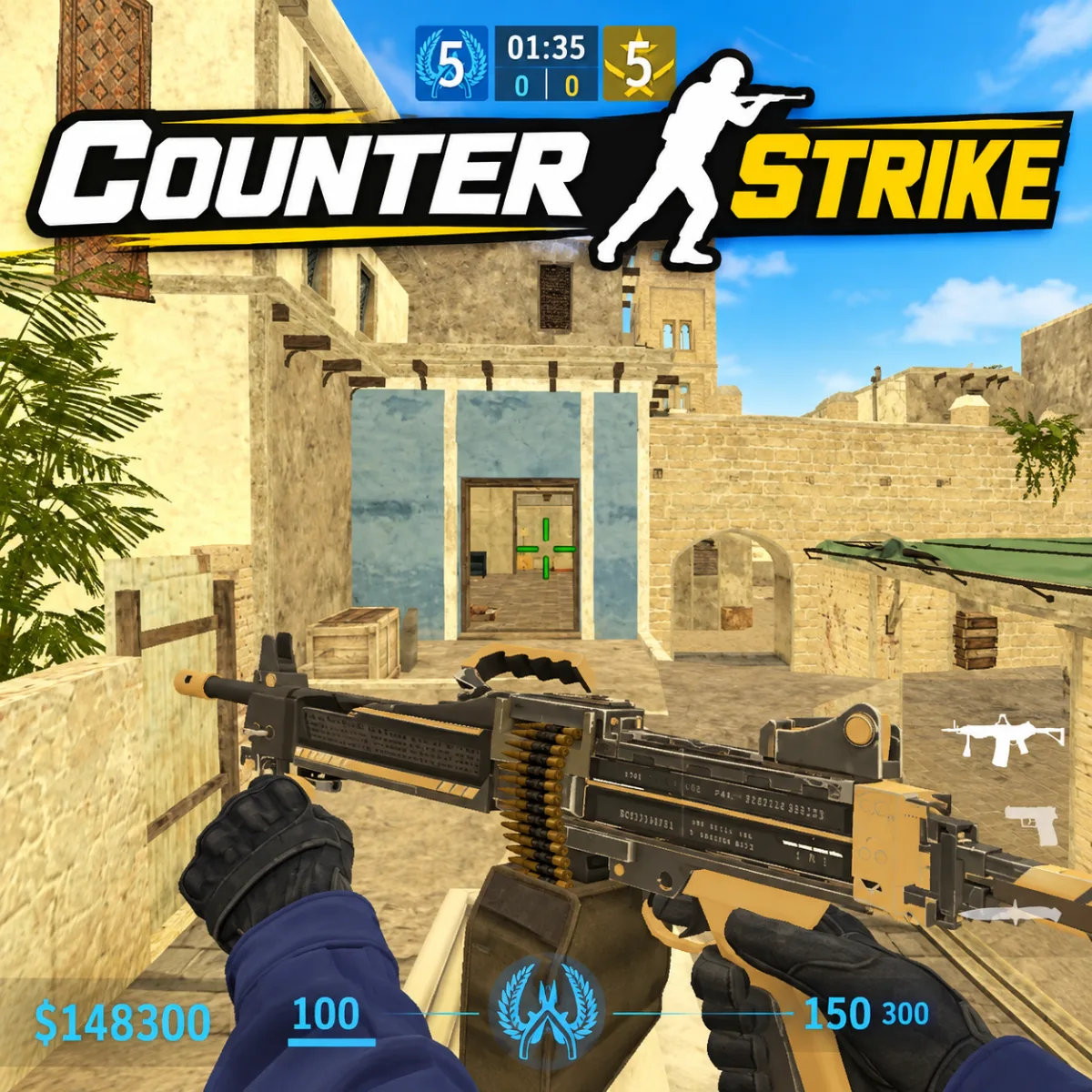
Counter Strike - Browser-Based Tactical First-Person Shooter
GAMEPLAY OVERVIEW
Master Tactical Movement And Shooting
Counter Strike combines precise aiming with movement mechanics that help you navigate combat situations. Use WASD to move around each map, jump over obstacles, or crouch to adjust your position. Silent walking lets you move more carefully, while accurate shooting and weapon control are essential for effective combat. You can also inspect your weapon and reload whenever your magazine needs replenishing.
Explore Maps And Manage Your Arsenal
Battle across familiar environments such as Dust2, Mirage, and Pool, each offering different spaces to navigate and engage opponents. The weapon system lets you switch between equipment using the number keys from 1 to 4. You can pick up weapons from the ground by aiming at them and pressing E, or open the buy menu with B to access available equipment. Some weapons also support secondary aiming or scoping, activated with the right mouse button. Choose your weapons carefully and adapt your approach to the situation.
Control Guide
WASD: Move
Space: Jump
Z: Crouch
Shift: Walk Silently
Left Mouse Button (LMB): Aim / Shoot
Right Mouse Button (RMB): Secondary Aim / Scope (if supported by the weapon)
R: Reload
1–4: Switch Weapons
E: Pick Up Weapon (aim at the weapon on the ground)
F: Inspect Weapon
B: Open Buy Menu