Blombo.io
Desktop
WASD / Arrow Keys: Move
Mouse: Look around
Mouse Wheel: Zoom the camera in or out
Space: Jump
Shift: Sprint
Left Mouse Button: Punch / Use
F: Switch to first-person camera
G: Hold to open the emote wheel, flick toward an emote, and release to play it
C: Crouch
E: Interact
Enter: Open chat
Tab: Open player list
P: Open menu and settings
Movement and editor controls can be reassigned through Settings → Controls.
Mobile
Left Joystick: Move
Jump Button: Jump
Run Button: Toggle running
Crouch Button: Toggle crouching
Swipe: Look around
Pinch In / Pinch Out: Zoom the camera in or out
Punch Button: Punch
Emote Button: Use emotes
Camera Button: Switch to first-person view
Chat Button: Open chat
Menu Button: Open menu and settings




ABOUT BLOMBO.IO
Blombo.io is a multiplayer 3D gaming platform featuring over 100 community-created games spanning survival, horror, battle royale, parkour, roleplay, and more. Instead of focusing on a single gameplay experience, the platform lets you explore different worlds while keeping the same character, unlocked skins, upgrades, friends list, and party across games. You can discover new experiences through the HOT, NEW, BEST, and UPDATED categories, which highlight popular games, recent releases, top-rated titles, and fresh content. Each game introduces its own objectives and controls, allowing you to switch between activities such as surviving zombie attacks, completing obstacle courses, building structures, and exploring social environments. Friends can join your current game, or you can choose a server dedicated to your group. With new games and updates arriving weekly, the collection continues to expand across desktop and mobile devices. Create your character, explore the growing library, and bring your friends along for your next multiplayer adventure!
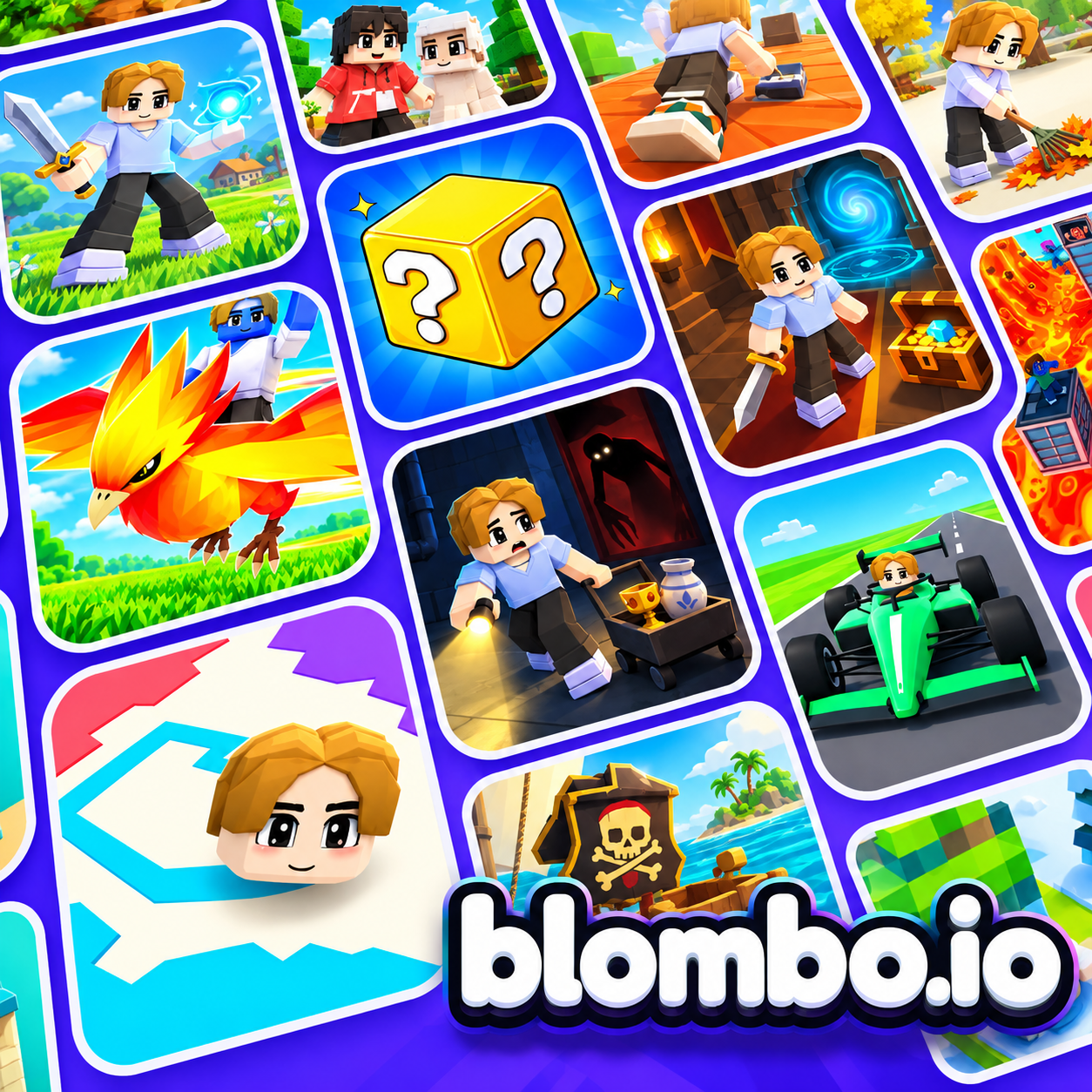
Blombo.io - A multiplayer 3D gaming platform with community-created games
GAMEPLAY OVERVIEW
Explore Over 100 Games Across Different Genres
Blombo.io organizes its extensive game library into categories that make discovering experiences more convenient. The HOT section highlights games attracting the most players, while NEW introduces recently released titles, BEST features top-rated experiences, and UPDATED showcases games that have received fresh content. Each game provides its own objectives and control instructions when you enter, helping you understand what to do before playing. The collection covers a wide range of activities, from cooperative survival and competitive battles to creative building, social roleplay, and challenging parkour courses.
Create a Character and Play With Friends
Your character serves as a consistent identity across the platform, traveling between different games without requiring you to create a new one each time. Unlocked skins and upgrades remain available throughout the game library, while your friends list and party also carry over between experiences. Multiplayer sessions allow friends to join the same game, and private group servers provide another option for playing together. This shared character system connects otherwise different experiences, whether your group prefers cooperative challenges, competitive matches, or casual social activities.
Discover Unique Worlds and Gameplay Challenges
The community-made catalog includes experiences with distinct objectives and mechanics. In 99 Nights in the Lanternwood, players cooperate to survive 99 nights while maintaining a campfire and defending their campsite, whereas Stay Alive features zombie survival for up to 50 players on a shared island with scavenging, crafting, and base building. Competitive options include Bedwars, where teams protect their beds while attacking opponents, and Survive the Shark!, which challenges players to survive four minutes against a player-controlled shark. For creative or social gameplay, Blombo Craft offers a destructible block world for collecting and building, while Blockhaven provides a city environment for working, driving, exploring, and meeting others. Other experiences include Grow a Garden, focused on cultivating and selling crops, and Tower of Chaos, where each floor introduces a different parkour challenge.
Control Guide
Desktop
WASD / Arrow Keys: Move
Mouse: Look around
Mouse Wheel: Zoom the camera in or out
Space: Jump
Shift: Sprint
Left Mouse Button: Punch / Use
F: Switch to first-person camera
G: Hold to open the emote wheel, flick toward an emote, and release to play it
C: Crouch
E: Interact
Enter: Open chat
Tab: Open player list
P: Open menu and settings
Movement and editor controls can be reassigned through Settings → Controls.
Mobile
Left Joystick: Move
Jump Button: Jump
Run Button: Toggle running
Crouch Button: Toggle crouching
Swipe: Look around
Pinch In / Pinch Out: Zoom the camera in or out
Punch Button: Punch
Emote Button: Use emotes
Camera Button: Switch to first-person view
Chat Button: Open chat
Menu Button: Open menu and settings
SIMILAR GAMES