Commando Force 2
- Mouse: Look and aim
- Left Mouse Button: Attack or fire
- Right Mouse Button: Precise aim
- W / Up Arrow: Move forward
- S / Down Arrow: Move backward
- A / Left Arrow: Move left
- D / Right Arrow: Move right
- Mouse Wheel / Number Keys: Cycle weapons
- R: Reload
- Spacebar: Jump
- C: Crouch










ABOUT COMMANDO FORCE 2
Commando Force 2 is a tactical shooter where you enter intense battles against other fighters and compete to finish with the highest score. Matches combine quick reflexes with strategic decisions as you manage your health, armor, ammunition, and position while watching the timer and scoreboard. You can fight alongside a team in Team Deathmatch or take on everyone independently in Free-for-All. Respawns keep players returning to combat throughout the match until the clock reaches zero. Between battles, the shop provides opportunities to improve your equipment with better weapons and armor, while daily rewards and mission objectives offer ways to earn cash. Ranking progression gives you another goal as you continue fighting and improving your performance. Choose your mode, prepare your gear, and prove your combat skills before time runs out!
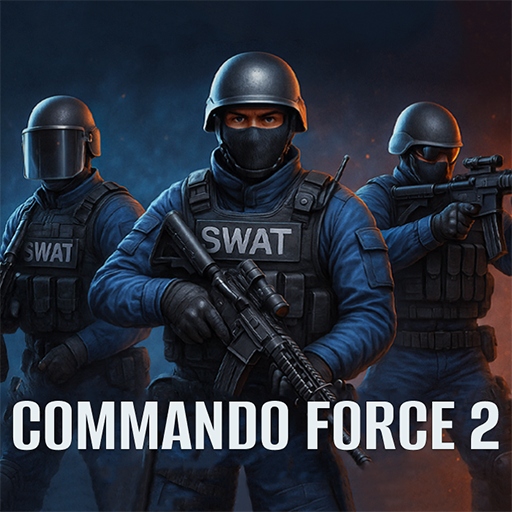
Commando Force 2 - A tactical shooter game
GAMEPLAY OVERVIEW
Fight Until The Timer Reaches Zero
Commando Force 2 places you in timed firefights where eliminating enemies and staying alive contribute to your performance. Health, armor, and ammunition need attention throughout combat, while the scoreboard and match timer help you track the current situation. Respawns keep the battle active after eliminations instead of removing players permanently from the match. When time expires, the player or team with the highest score takes the win.
Choose Team Deathmatch Or Free-For-All
Team Deathmatch lets you fight alongside teammates as you work together against the opposing side. Free-for-All removes the team structure and turns every other fighter into an opponent. Both modes maintain the same fast-paced combat and continue until the match timer expires. Choosing between them changes whether you coordinate with allies or depend entirely on your own performance.
Upgrade Your Combat Gear
Between matches, you can visit the shop to improve your equipment with better weapons and armor. Daily rewards and mission objectives provide additional opportunities to earn cash for progression. These upgrades can give you an advantage as you return to battle and continue working on your ranking. Managing weapons, armor, ammunition, and positioning remains important once the next firefight begins.
Control Guide
- Mouse: Look and aim
- Left Mouse Button: Attack or fire
- Right Mouse Button: Precise aim
- W / Up Arrow: Move forward
- S / Down Arrow: Move backward
- A / Left Arrow: Move left
- D / Right Arrow: Move right
- Mouse Wheel / Number Keys: Cycle weapons
- R: Reload
- Spacebar: Jump
- C: Crouch
MORE GAMES