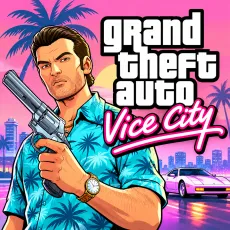
Grand Drive Auto: Vice Miami












ABOUT GRAND DRIVE AUTO: VICE MIAMI
Grand Drive Auto: Vice Miami is an open-world action driving game that lets players explore a sprawling Miami-inspired city and experience life behind the wheel of different vehicles. Drive through vibrant urban districts, take on missions, and get involved in intense pursuits and shootouts. The city offers plenty of opportunities for exploration, whether you prefer following objectives or choosing your own route through the streets. Police encounters add another layer of danger, making every adventure unpredictable. Jump into the driver's seat and discover what awaits across the city!
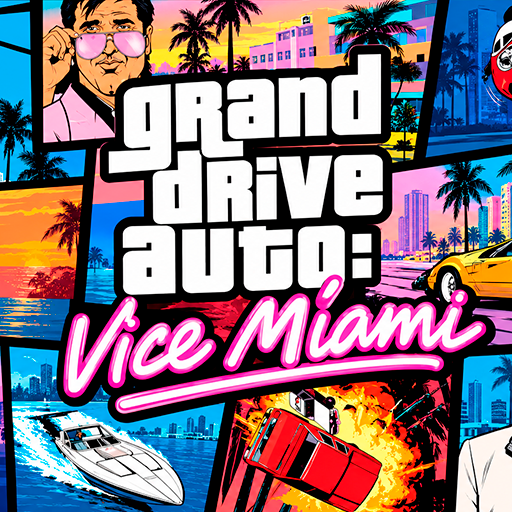
Grand Drive Auto: Vice Miami - An Open-World Action, Driving, and City Exploration Game
GAMEPLAY OVERVIEW
Explore the City and Drive Different Vehicles
Grand Drive Auto: Vice Miami gives players the freedom to travel across a large urban environment and explore its different districts. Get behind the wheel of various cars and navigate the streets while deciding where to go next. You can focus on missions or simply enjoy driving around and discovering the city at your own pace.
Complete Missions and Survive Dangerous Encounters
The gameplay combines driving with action-focused challenges that take place throughout the city. Missions provide objectives to complete, while shootouts and high-speed pursuits create additional obstacles. Keep an eye out for the police, as getting involved in trouble can turn an ordinary drive into a dangerous chase. Sprint, jump, and use your vehicle to navigate different situations as you explore the open world.
Control Guide
PC Controls
WASD: Move and drive.
LMB: Shoot.
RMB: Use the handbrake.
Space: Jump.
Shift: Sprint or activate the vehicle horn.
F or Enter: Enter or exit a vehicle.
Esc: Open the menu or pause the game.