FPS Block Strike Dust 2
Mouse: Aim / Look around
Left Mouse Button: Shoot
Right Mouse Button: Zoom in / out
WASD / Arrow Keys: Move
Space: Jump
R: Reload ammo
Shift: Walk
E: Plant / Defuse / Use
G: Drop
1 / 2 / 3 / 4 / 5: Switch weapon
B: Open the market
C / Ctrl: Crouch
Tab: Scoreboard
Esc: Pause / Menu
F11: Fullscreen (page)
ABOUT FPS BLOCK STRIKE DUST 2
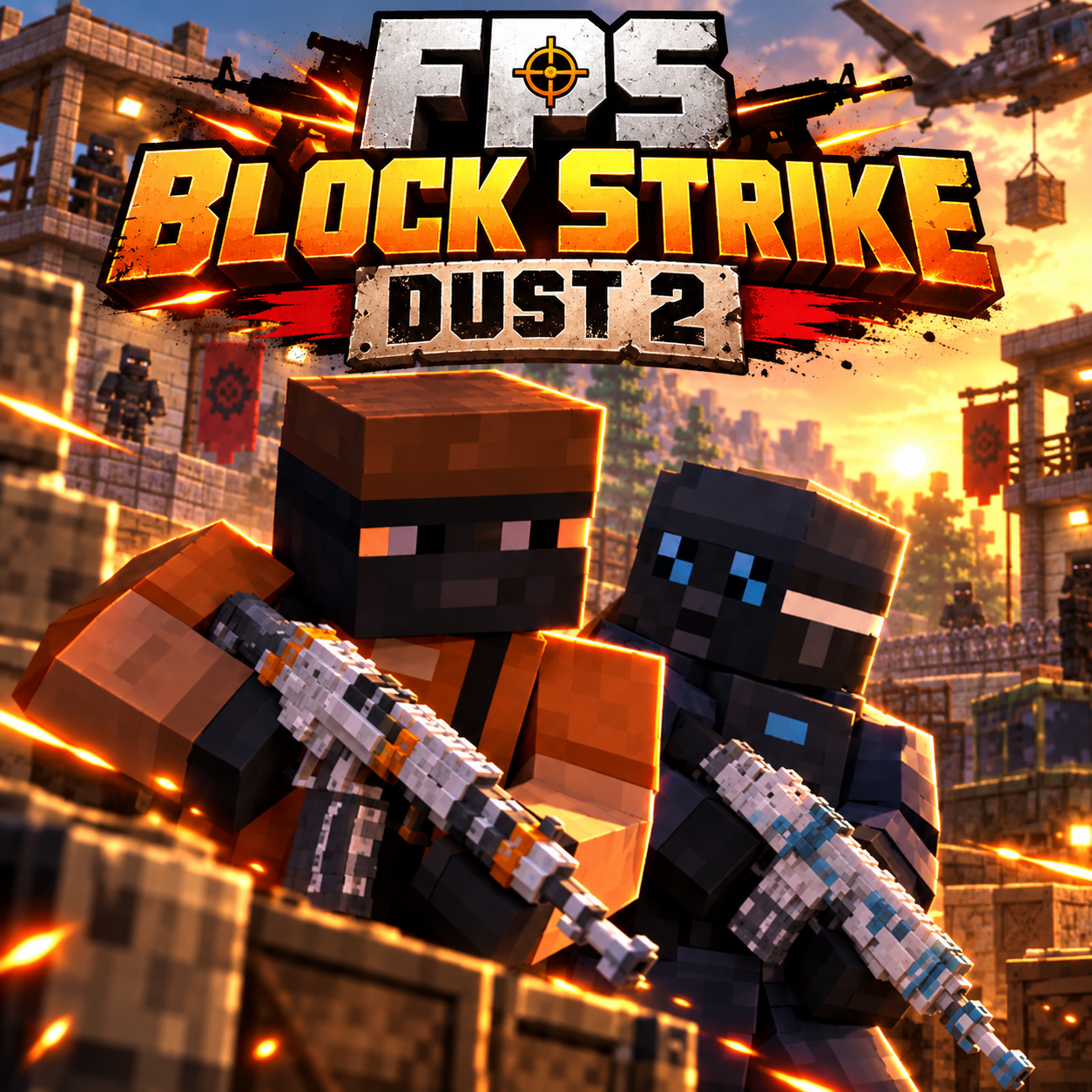
FPS Block Strike Dust 2 is a 3D tactical first-person shooter where Terrorists and Counter-Terrorists face each other in competitive team battles inside a block-style arena inspired by the classic Dust2 map. Drawing inspiration from Counter-Strike, the game combines tactical gunfights with Minecraft-like graphics and accessible browser gameplay. Players choose a team, equip weapons, and navigate the arena while working with teammates to defeat the opposing side. Accurate aiming, quick reactions, and careful positioning are essential when facing enemies in intense firefights. The available controls support weapon switching, crouching, walking, and interacting with objects, including planting and defusing. An in-game market also provides access to weapon purchasing during play. With its familiar tactical shooting mechanics and straightforward controls, the experience offers competitive FPS action without requiring a large installation. Choose your team, take strategic positions, and coordinate your attacks to overcome the opposition!
FPS Block Strike Dust 2 - A 3D tactical first-person shooter
GAMEPLAY OVERVIEW
Fight in Terrorist and Counter-Terrorist Battles
FPS Block Strike Dust 2 places two opposing teams against each other in a Dust2-themed arena featuring blocky, Minecraft-like environments. Terrorists and Counter-Terrorists compete through tactical firefights where eliminating opponents requires accurate shooting and coordinated movement. Teamwork plays an important role because positioning alongside teammates can help create opportunities during encounters with the opposing side.
Use Weapons and Tactical Movement
Combat involves aiming carefully, switching between available weapons, and reacting quickly when enemies appear. Players can walk, crouch, jump, and move around the arena, providing different ways to approach positions and engage opponents. The controls also include reloading, dropping weapons, and opening the in-game market, allowing players to manage their equipment during battles.
Coordinate Attacks and Handle Objectives
Beyond shooting, the available interaction controls support planting, defusing, and using objects, adding tactical actions to the team-based experience. Choosing suitable positions and working with teammates can influence how effectively your side handles encounters. The scoreboard provides a way to check match information, while the option to switch between walking and regular movement gives players additional control over their approach.
Control Guide
Mouse: Aim / Look around
Left Mouse Button: Shoot
Right Mouse Button: Zoom in / out
WASD / Arrow Keys: Move
Space: Jump
R: Reload ammo
Shift: Walk
E: Plant / Defuse / Use
G: Drop
1 / 2 / 3 / 4 / 5: Switch weapon
B: Open the market
C / Ctrl: Crouch
Tab: Scoreboard
Esc: Pause / Menu
F11: Fullscreen (page)