
Minecraft
- WASD keys control character movement across the environment.
- Spacebar allows the character to jump.
- Left click performs attacks or breaks blocks.
- Right click uses items or places blocks.
- Scroll wheel cycles through inventory selections.
- E key opens the inventory menu.
- Number keys one through nine select hotbar items.
- T key opens the chat interface.












ABOUT MINECRAFT
Minecraft is a sandbox building survival game with a vast blocky world. This iconic title allows players to build and destroy different types of blocks freely. In this game, players guide a character through mining and crafting activities. Additionally, the online version allows players to save progress and create custom maps. Endless possibilities encourage creativity across a universe built from simple blocks. To express creativity fully, players should experiment with building and crafting systems. Start creating your own world and shape every block around you!
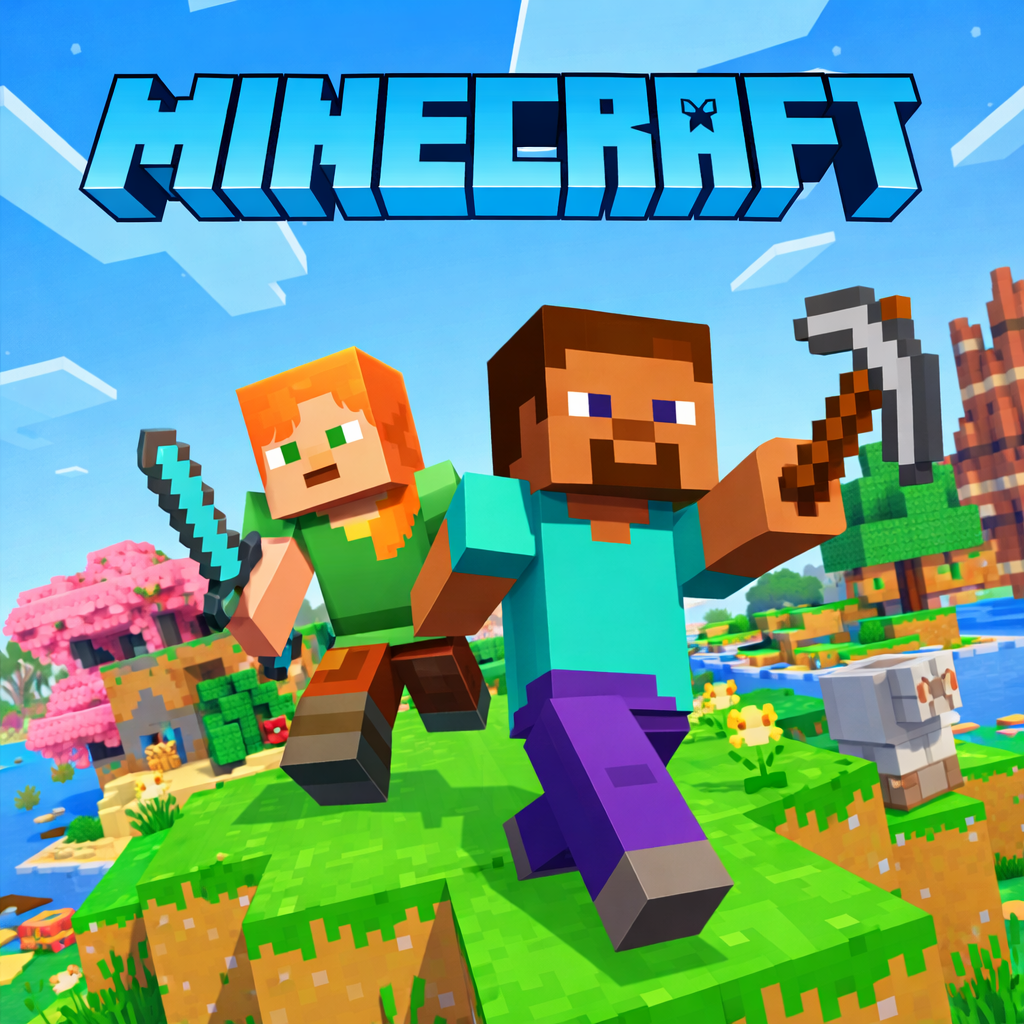
Experience Minecraft—A Blocky Sandbox Survival Game
GAMEPLAY OVERVIEW
Core Gameplay Modes
In this game, players choose between Survival mode and Creative mode experiences.
- Survival mode requires gathering materials and food while facing hostile mobs. Players collect wood, stone, and other resources for crafting essential tools. Health and hunger management influence moment to moment survival decisions. Meanwhile, hostile creatures such as zombies and creepers create constant environmental pressure.
- Creative mode provides unlimited resources without survival related limitations. Players break blocks instantly and build freely without health concerns.
Crafting and Exploration
Throughout Survival mode in Minecraft, crafting allows players to create tools, weapons, and structures. Materials support tool creation and resource processing through smelting activities. Rare resources such as diamonds reward exploration and careful mining efforts. Besides, mob encounters require defensive structures and strategic weapon use. Spiders, skeletons, and other hostile creatures attack on sight. To stay safe, players must build defenses and prepare useful equipment. Exploration reveals different biomes, caves, and generated structures across the world. In Creative mode, free flight allows unrestricted movement across the environment.
Control Guide
- WASD keys control character movement across the environment.
- Spacebar allows the character to jump.
- Left click performs attacks or breaks blocks.
- Right click uses items or places blocks.
- Scroll wheel cycles through inventory selections.
- E key opens the inventory menu.
- Number keys one through nine select hotbar items.
- T key opens the chat interface.
MORE GAMES























I love minecraft