Strideflare
Main Controls
- Mouse: Aim / Look around
- Left Mouse Button: Shoot
- Right Mouse Button: Zoom in / out
- WASD / Arrow Keys: Move
- Space: Jump
- R: Reload ammo
- C / Caps Lock: Crouch
- 1 / 2 / 3 / 4: Switch weapon
- Q: Previous weapon
- F1 / F2: Next loadout
- X: Vote status
- Tab: Scoreboard
- H: Controls
Tactical Radio
- 1 + Z: Look here
- 2 + Z: Danger
- 3 + Z: Watching here
- 4 + Z: Move here
- 5 + Z: Defend here
- 6 + Z: Regroup
- 7 + Z: Need backup
Other
- F11: Fullscreen (page)




ABOUT STRIDEFLARE
Strideflare is a 3D first-person shooter built around two distinct challenges: surviving waves of enemies and competing in 10v10 Team Deathmatch battles. Wave Defense sends you through 12 enemy waves, with opportunities to choose character upgrades between each round. Clearing all 12 waves opens endless mode, where survival becomes the objective for as long as you can hold out. Team Deathmatch shifts the focus to competitive battles in which each side works toward the highest elimination count. Your available combat equipment includes a primary weapon, pistol, knife, and grenades, while headshots, effective use of cover, and well-timed reloads can influence your performance. The game runs directly in a browser on both PC and mobile devices without requiring a download. Choose your mode, sharpen your aim, and see whether you can survive the endless assault or help your team secure the most eliminations!
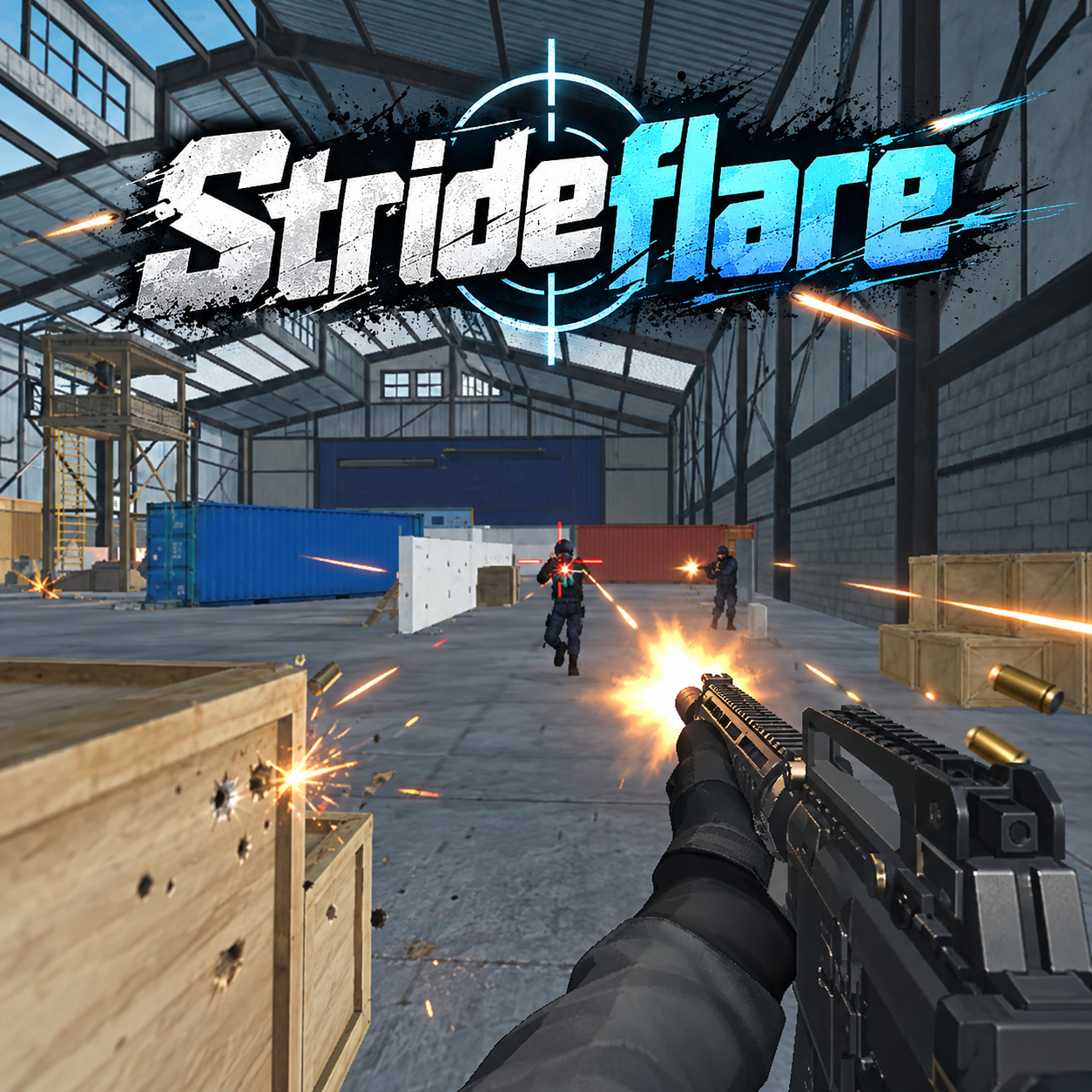
Strideflare - A 3D first-person shooter
GAMEPLAY OVERVIEW
Survive 12 Waves and Enter Endless Mode
Strideflare makes Wave Defense a test of sustained survival as you battle through 12 waves of AI enemies. Between waves, you select upgrades that strengthen your character for the fights ahead, connecting each successful defense to your preparation for the next round. Surviving the complete 12-wave sequence does not have to end the run, as endless mode allows you to continue fighting and find out how long you can stay alive.
Fight for Eliminations in 10v10 Battles
Team Deathmatch places you in a 10-versus-10 competitive battle where the objective changes from surviving AI waves to helping your team achieve the highest number of eliminations. Aiming for headshots can improve your effectiveness, while using cover and choosing the right moment to reload are important tactical considerations. Smart movement and accurate shooting become especially valuable when facing other players instead of waves of AI opponents.
Switch Weapons to Match the Fight
Your combat options include a primary weapon, pistol, knife, and grenades, giving you several choices during encounters. Switching between these options allows you to respond to different combat situations while continuing to focus on accurate shooting and survival. Both main modes ultimately reward effective aiming, movement, and tactical decisions, even though their objectives and opponents differ.
Control Guide
Main Controls
- Mouse: Aim / Look around
- Left Mouse Button: Shoot
- Right Mouse Button: Zoom in / out
- WASD / Arrow Keys: Move
- Space: Jump
- R: Reload ammo
- C / Caps Lock: Crouch
- 1 / 2 / 3 / 4: Switch weapon
- Q: Previous weapon
- F1 / F2: Next loadout
- X: Vote status
- Tab: Scoreboard
- H: Controls
Tactical Radio
- 1 + Z: Look here
- 2 + Z: Danger
- 3 + Z: Watching here
- 4 + Z: Move here
- 5 + Z: Defend here
- 6 + Z: Regroup
- 7 + Z: Need backup
Other
- F11: Fullscreen (page)
MORE GAMES