
Mortal Kombat
- Mouse: Choose cards
- HELP VS: Review card buttons and movements
- READY: Go to the menu after loading




ABOUT MORTAL KOMBAT
Mortal Kombat is a flash card fighting game where you select cards to make moves and compete alone or against a friend. Single Player begins by choosing a character from the SINGLE PLAYER section before selecting ASCENSION to start the game. For two-player matches, the VERSUS section lets each player assign a character and choose a map before the battle begins. Moves are connected to card buttons, and the HELP VS option provides information you can review before fighting. The mouse is used to choose cards during play, keeping card selection at the center of the action. Once the game finishes loading, selecting READY takes you to the menu so you can continue setting up your match. Pick your fighter, learn the card buttons, and choose your moves carefully as you take on a solo challenge or battle a friend!
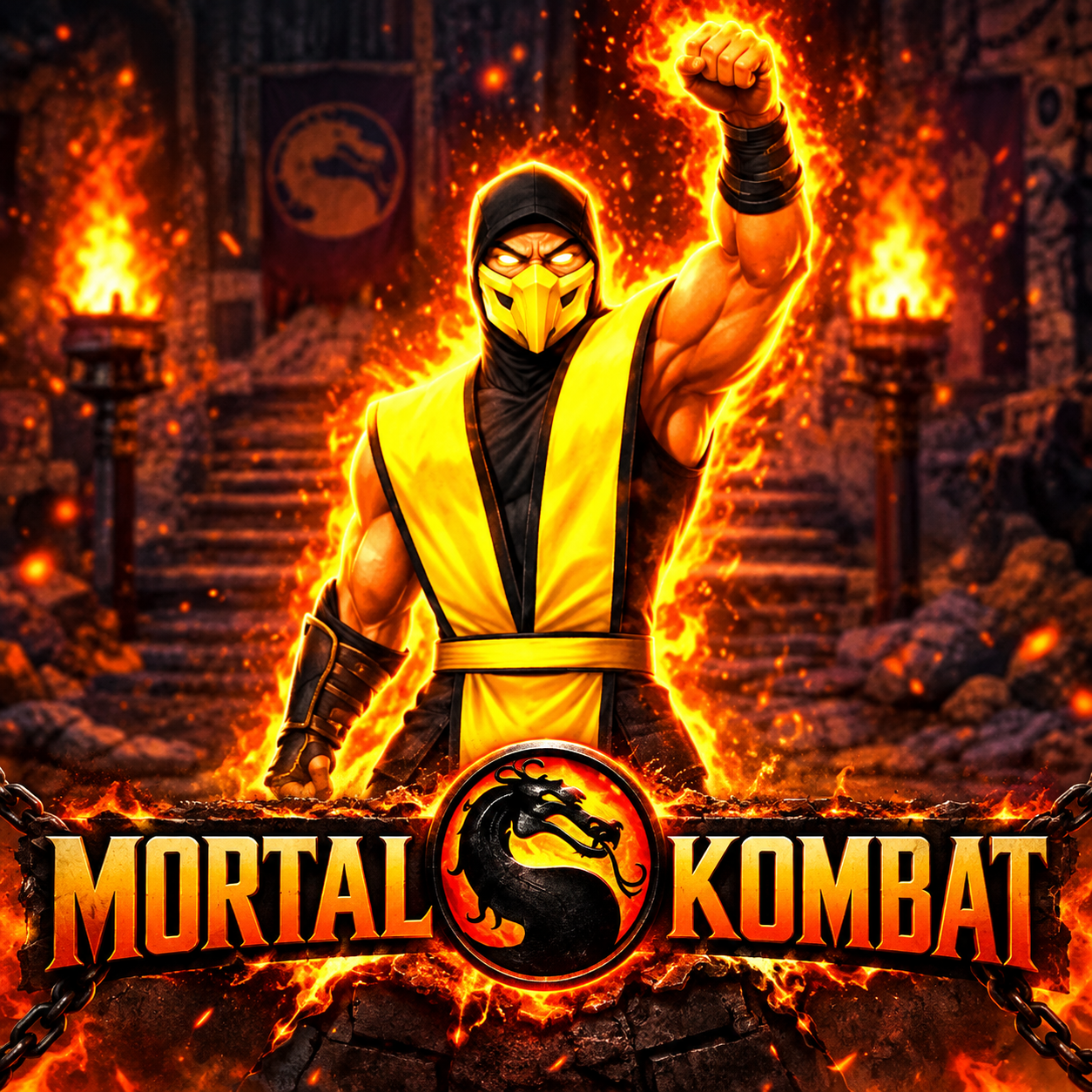
Mortal Kombat - A flash card fighting game
GAMEPLAY OVERVIEW
Choose Between Solo and Versus Battles
Mortal Kombat provides separate options depending on whether you want to play alone or with another player. For a solo game, enter SINGLE PLAYER, assign your character, and select ASCENSION to begin. Two-player matches start from the VERSUS section, where characters are assigned before a map is selected. The READY button takes you to the menu after the game has loaded.
Use Cards to Make Your Moves
Instead of relying on a conventional list of fighting controls, moves are connected to card buttons that you need to understand before playing. Moving the mouse over HELP VS lets you review information about these buttons and learn how movements work. During the game, the mouse is used to choose cards. This makes selecting the appropriate cards the main supplied method for controlling your actions.
Set Up a Two-Player Match
Playing with a friend requires entering VERSUS rather than the SINGLE PLAYER section. After assigning your characters, you can choose a map and begin the match. The available setup separates two-player battles from the ASCENSION option used for solo play. Reviewing HELP VS before starting can help both players understand the card buttons used for movements.
Control Guide
- Mouse: Choose cards
- HELP VS: Review card buttons and movements
- READY: Go to the menu after loading
MORE GAMES























good