Cube Online - Survival with Friends
PC Controls
WASD: Move.
Shift: Sit.
Space: Jump.
E: Open inventory and crafting.
M: Open server menu.
T: Open chat.
C: Switch to third-person view.
Tab / Esc: Pause.
Left Mouse Button: Break blocks.
Right Mouse Button: Place blocks or take half an inventory stack.
Mouse Wheel: Select items.
1–9: Select hotbar items.
Space Twice: Activate creative flight.
G: Fly faster in creative mode.
Mobile Controls
Left Side: Move.
Right Side: Control the camera.
Hold a Block: Break it.
Tap a Block: Place it.
Up Arrow: Jump.
Up Arrow Twice: Activate creative flight.
Down Arrow: Sit.
Inventory Icon: Open inventory and crafting.
Hold an Inventory Item: Take half the stack.
Chat Icon: Open chat.
Pause Icon: Pause the game.
Server Menu Icon: Open the server menu.









ABOUT CUBE ONLINE - SURVIVAL WITH FRIENDS
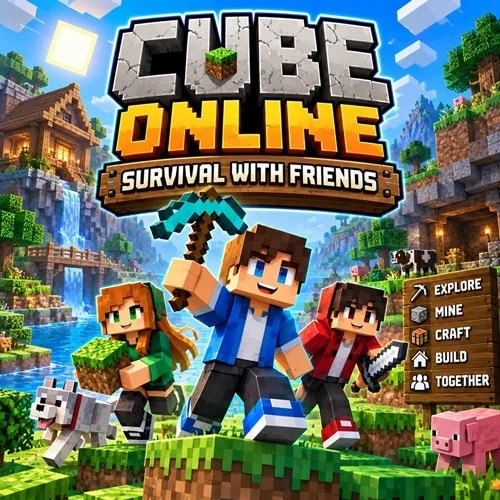
Cube Online - Survival with Friends is a 3D multiplayer survival sandbox where you gather resources, craft equipment, and build structures in a block-based open world. Developed by Itselb, the game lets you explore underground areas, mine terrain, and create everything from small shelters to castles and entire cities. You can join online servers to explore with friends, share resources, and work on large construction projects. Unique tasks also give each session additional objectives, while creative mode offers alternative building possibilities. Gather your materials, find your teammates, and start creating your own block world!
Cube Online - Survival with Friends - 3D Multiplayer Survival and Building Game
GAMEPLAY OVERVIEW
Mine Resources And Craft Useful Equipment
Survival gameplay in Cube Online - Survival with Friends revolves around breaking blocks, collecting materials, and using your inventory to craft tools and weapons. Explore underground areas to find resources while digging through different parts of the terrain. Collected materials also support construction, letting you build shelters, tunnels, secret bases, and larger structures. Managing your inventory helps keep essential materials and equipment available during exploration.
Build Structures And Explore With Friends
Online servers let you cooperate with other players on shared construction and exploration projects. You can gather materials for a group base, dig underground passages, or develop separate buildings across the world. The available building options include houses, castles, cities, tunnels, and secret bases. Each session also features unique tasks, providing additional objectives beyond ordinary resource collection and construction.
Switch Between Survival And Creative Building
Creative play offers a different approach to construction through special flight controls. Pressing Space twice activates flight mode, while G enables faster flight. This makes it possible to work above the ground when developing larger structures. You can also use the server menu and in-game chat to manage multiplayer sessions and coordinate projects with friends.
CONTROL GUIDE
PC Controls
WASD: Move.
Shift: Sit.
Space: Jump.
E: Open inventory and crafting.
M: Open server menu.
T: Open chat.
C: Switch to third-person view.
Tab / Esc: Pause.
Left Mouse Button: Break blocks.
Right Mouse Button: Place blocks or take half an inventory stack.
Mouse Wheel: Select items.
1–9: Select hotbar items.
Space Twice: Activate creative flight.
G: Fly faster in creative mode.
Mobile Controls
Left Side: Move.
Right Side: Control the camera.
Hold a Block: Break it.
Tap a Block: Place it.
Up Arrow: Jump.
Up Arrow Twice: Activate creative flight.
Down Arrow: Sit.
Inventory Icon: Open inventory and crafting.
Hold an Inventory Item: Take half the stack.
Chat Icon: Open chat.
Pause Icon: Pause the game.
Server Menu Icon: Open the server menu.