
Can You Land?
PC Controls
Mouse Drag: Control the aircraft by dragging anywhere on the windscreen or instrument panel.
Drag Down: Raise the aircraft's nose.
Drag Left / Right: Bank the aircraft in the corresponding direction.
WASD / Arrow Keys: Control the aircraft's flight.
G: Raise or lower the landing gear.
Landing Gear Lever: Drag the lever on the right side of the panel to operate the landing gear.
Space / Enter: Start the next approach.
Tab: Cancel the current flight and return to the main menu.
Overhead Panel Knob: Mute or unmute the sound.
Mobile Controls
Touch and Drag: Control the aircraft by moving your finger across the windscreen or instrument panel. Your initial touch position becomes the control center.
Landing Gear Lever: Drag the lever on the right side of the panel fully downward to lower the landing gear.
Overhead Panel Knob: Mute or unmute the sound.















ABOUT CAN YOU LAND?
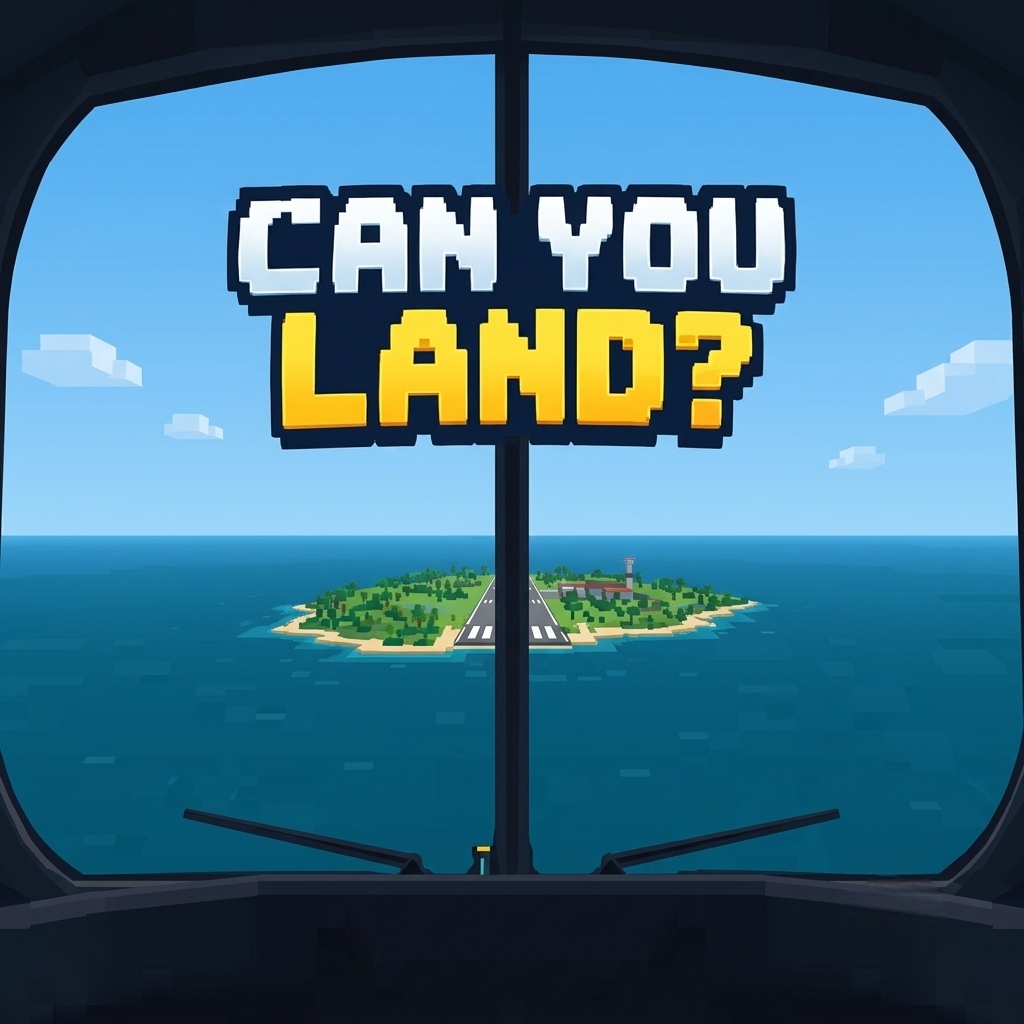
Can You Land? is a challenging aircraft landing simulation that puts your piloting skills to the test through realistic flight controls, unpredictable weather, and demanding runway approaches. Take control of different aircraft and navigate through thick fog, thunderstorms, strong crosswinds, and sudden windshear without autopilot assistance. Every short flight requires precise alignment, careful altitude adjustments, and perfectly timed landing gear deployment to achieve a safe touchdown. Earn coins from successful landings, unlock powerful aircraft, and explore four distinctive airports, including a snowy alpine runway and an aircraft carrier. Master the toughest approaches, achieve perfect landing scores, and prove your skills on the global leaderboard!
Can You Land? - A realistic aircraft landing simulator
GAMEPLAY OVERVIEW
Master Precision Landings in Extreme Weather
In Can You Land?, each approach lasts approximately 30 seconds and challenges you to guide an aircraft safely onto the runway using manual controls. Follow the Precision Approach Path Indicator (PAPI) lights, aiming for two white and two red lights to maintain the correct descent angle. Keep your wings level, align with the runway centerline, and lower your landing gear before touching down near the aiming markers 300 meters beyond the threshold.
Every landing receives a score from 0 to 100 based on four factors: descent rate, touchdown position, centerline accuracy, and aircraft bank angle. Difficult conditions such as heavy rain, snow, limited visibility, gusting winds, and sudden windshear demand constant corrections. Bird strikes can disable both engines, while a replay camera lets you review each successful landing or crash from an external perspective.
Unlock Seven Aircraft and Conquer Four Airports
Begin with the Airbus A320 and earn coins to expand your hangar with six additional aircraft. Each plane features its own cockpit, instruments, and handling characteristics, making heavier or faster aircraft more difficult but potentially more rewarding.
Available aircraft include:
Airbus A320: Your starting aircraft for learning landing techniques.
Boeing 747: A large passenger jet requiring careful control.
Concorde: A high-speed aircraft with demanding handling.
Gulfstream G650: A business jet offering a different flying experience.
Airbus A380: A massive airliner that challenges your precision.
F/A-18 Hornet: A fighter aircraft suited to carrier operations.
SR-71 Blackbird: A high-performance aircraft for experienced pilots.
Progress through four increasingly demanding airports, from a quiet island runway to a snowy alpine valley, a harbor city approach between tall buildings, and a 240-meter aircraft carrier deck. Each destination introduces distinct obstacles and higher scoring opportunities, including challenging weather and runways as short as 900 meters.
Complete Daily Challenges and Climb the Leaderboards
Daily challenges place players in identical aircraft, airport, and weather conditions, creating a fair competition for the highest landing score. A dedicated leaderboard tracks these daily performances, while the worldwide leaderboard records each pilot's best landing.
Successful consecutive landings build a streak that increases your coin earnings, rewarding consistent flying rather than occasional lucky touchdowns. You can also spin a free daily reward wheel for a chance to receive coins, an aircraft, or access to another airport. Spend your earnings wisely, practice difficult approaches, and work toward mastering every aircraft and runway.
Control Guide
PC Controls
Mouse Drag: Control the aircraft by dragging anywhere on the windscreen or instrument panel.
Drag Down: Raise the aircraft's nose.
Drag Left / Right: Bank the aircraft in the corresponding direction.
WASD / Arrow Keys: Control the aircraft's flight.
G: Raise or lower the landing gear.
Landing Gear Lever: Drag the lever on the right side of the panel to operate the landing gear.
Space / Enter: Start the next approach.
Tab: Cancel the current flight and return to the main menu.
Overhead Panel Knob: Mute or unmute the sound.
Mobile Controls
Touch and Drag: Control the aircraft by moving your finger across the windscreen or instrument panel. Your initial touch position becomes the control center.
Landing Gear Lever: Drag the lever on the right side of the panel fully downward to lower the landing gear.
Overhead Panel Knob: Mute or unmute the sound.