Traffic Rush Online
WASD / Arrow Keys: Drive
C: Change camera view
Spacebar: Handbrake
On-Screen Buttons / Steering Wheel: Drive on mobile devices
Game Settings: Switch between mobile control modes






ABOUT TRAFFIC RUSH ONLINE
Traffic Rush Online is a 3D city driving game that challenges players to navigate busy roads, avoid collisions, and travel as far as possible. The game features responsive driving physics, detailed urban environments, and multiple camera views for different driving perspectives. Your main objective is to weave through moving traffic while maintaining control and setting new distance records. Three game modes offer different experiences, including competitive traffic driving, unrestricted city exploration, and real-time multiplayer sessions. Completing longer runs rewards you with money that can be spent on vehicle upgrades and new cars. A leveling system also allows you to expand your garage and unlock additional vehicles with customizable colors, wheels, and exterior parts. Take the wheel, navigate crowded highways, and push your driving distance to a new record!
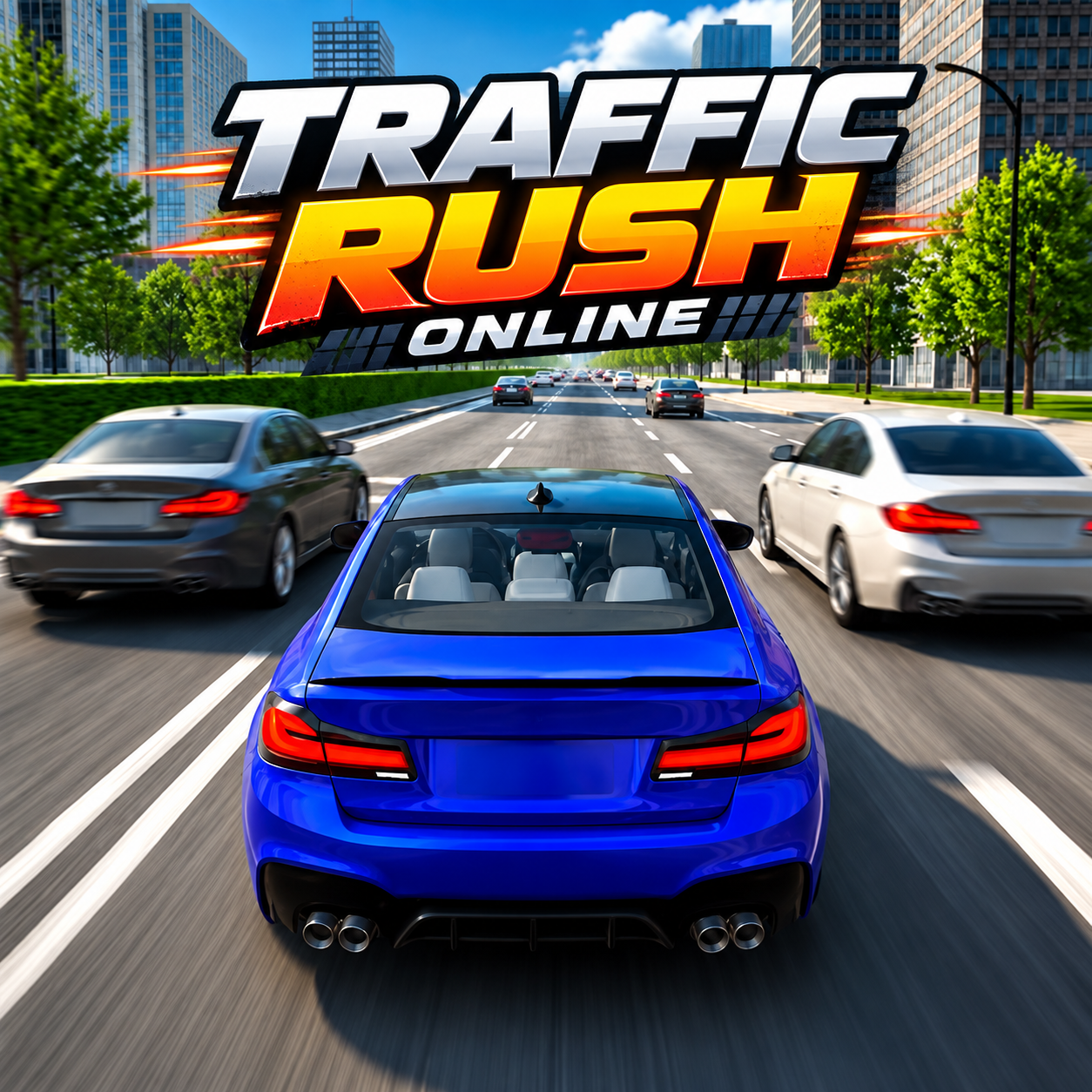
TRAFFIC Rush Online - A 3D city driving and traffic racing game
GAMEPLAY OVERVIEW
Navigate Busy Roads and Set Distance Records
Traffic Rush Online focuses on driving through dense traffic while avoiding collisions with other vehicles. Your goal is to travel as far as possible along the highway and improve your previous distance record. Longer runs reward you with more money, making careful steering and lane changes important for progression. Responsive driving physics and multiple camera perspectives help you manage your vehicle while navigating busy urban roads.
Explore Three Different Driving Modes
The game features three modes that offer different ways to experience its city environments. Traffic Mode challenges you to dodge moving vehicles and earn more gold while extending your driving distance. Free Ride Mode allows unrestricted exploration of the city without the pressure of a traffic challenge. Online Mode lets you drive with other players in real time, invite friends, or meet new players during multiplayer sessions.
Upgrade Vehicles and Customize Your Garage
Money earned during driving sessions can be used to improve your current vehicle or purchase additional cars. As you level up, your garage expands and new vehicles become available to unlock. Customization options include changing car colors, wheels, and exterior parts to create different appearances. These progression features give you more ways to develop your vehicle collection as you continue driving.
Control Guide
WASD / Arrow Keys: Drive
C: Change camera view
Spacebar: Handbrake
On-Screen Buttons / Steering Wheel: Drive on mobile devices
Game Settings: Switch between mobile control modes
SIMILAR GAMES