Jamango!
Desktop Controls
WASD: Move your character.
Mouse: Move the camera.
Space: Jump.
Scroll Wheel: Zoom the camera or switch between first-person and third-person views in compatible games.
Mobile Controls
Joystick: Move your character.
Right-Hand Side of the Screen: Move the camera.




ABOUT JAMANGO!
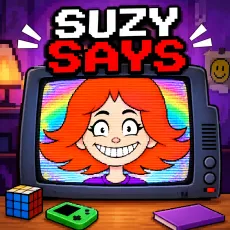
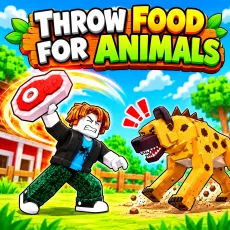
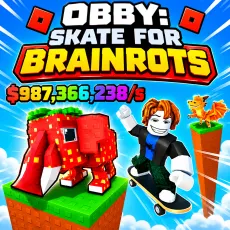
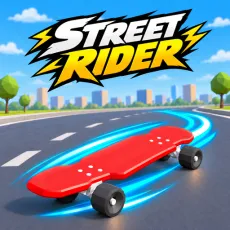
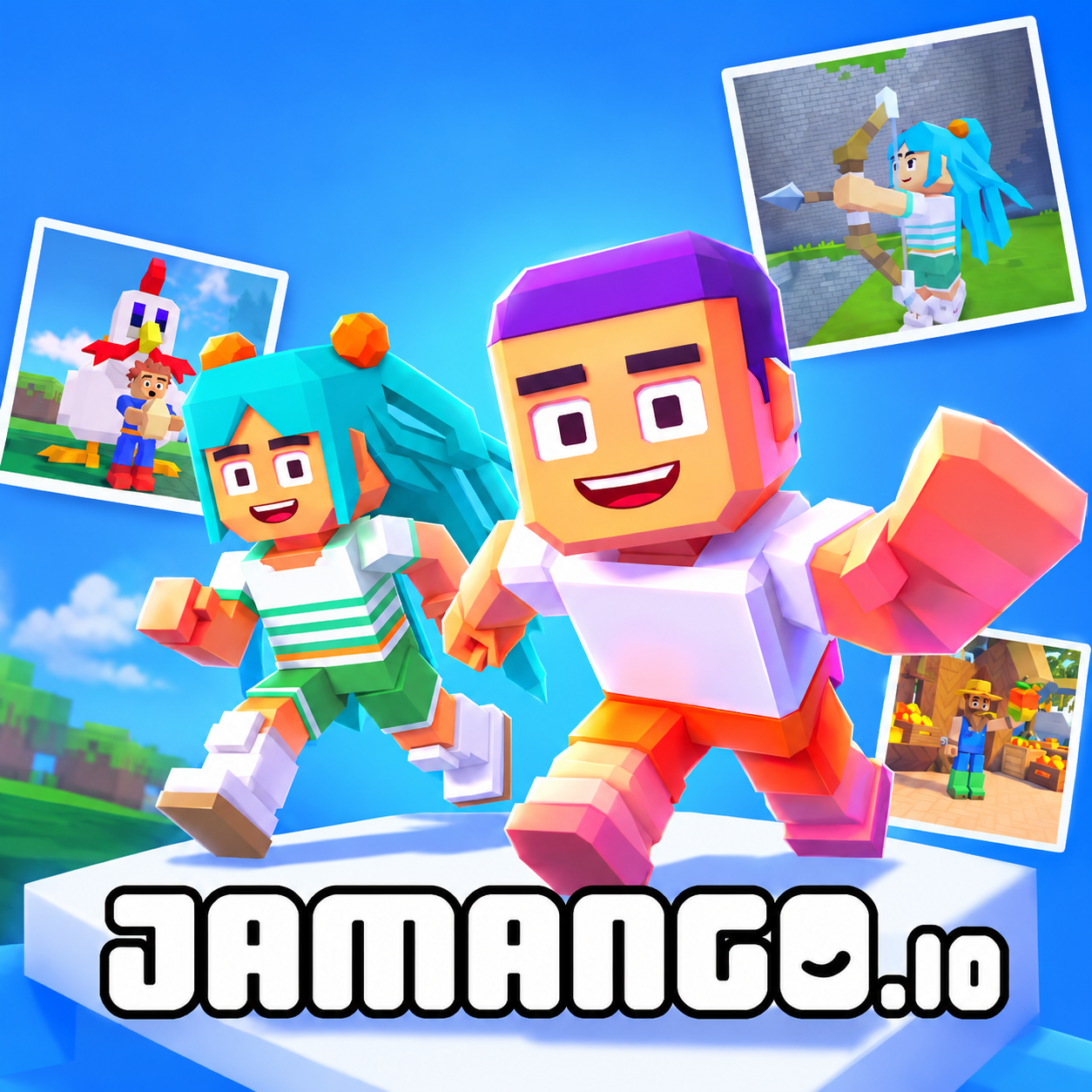
Jamango! is a browser-based sandbox creation game platform where players can explore community-made worlds, build their own experiences, and enjoy adventures with friends. Combining block-based world building with accessible game creation tools, it lets anyone design everything from obstacle courses and story-driven quests to competitive battle royale experiences without coding or 3D modeling skills. Players can jump between different games, earn rewards, participate in weekly events, and discover creative worlds made by the community. Its built-in creation tools make designing and publishing games part of the experience rather than a separate development process. Whether you want to explore new adventures or bring your own ideas to life, jump in and start creating!
Jamango! - A Social Sandbox Game and Block-Based Creation Platform
GAMEPLAY OVERVIEW
Explore Worlds and Play With Friends
Jamango! brings together a collection of block-based games and player-created experiences in one browser-based platform. You can discover community-made worlds, explore different adventures, and connect with friends through shared gameplay. Instead of requiring everyone to download the same software or use a particular game version, the platform lets you invite others simply by sharing a link. Weekly events and rewards also give players additional activities to discover while exploring the community.
Build and Publish Your Own Games
The creation tools combine block-based world building with accessible game development features, allowing aspiring creators to design interactive experiences without writing code or learning complicated 3D modeling software. You can build obstacle courses, create narrative-driven quests, experiment with competitive game concepts, or develop entirely original worlds. The creative tools are integrated directly into the platform, making it possible to move between building and playing without switching to separate applications. Once your creation is ready, share it with friends or publish it for other players to discover.
Accessible Browser-Based Gaming
The platform runs directly in a web browser, so no downloads or installations are required. Players can access their experiences across different devices and invite friends using a simple shared link. This browser-native approach makes both playing and creating more accessible, whether you're an experienced sandbox enthusiast or trying game development for the first time.
Control Guide
Desktop Controls
WASD: Move your character.
Mouse: Move the camera.
Space: Jump.
Scroll Wheel: Zoom the camera or switch between first-person and third-person views in compatible games.
Mobile Controls
Joystick: Move your character.
Right-Hand Side of the Screen: Move the camera.