SkyWars Online
W, A, S, D: Move
Shift: Run
Spacebar: Jump
C: Crouch
E: Open inventory
T: Open chat
Tab: Pause / Settings
Left Mouse Button: Attack with sword
Right Mouse Button: Place blocks
Mouse Wheel / 1–6: Switch inventory slots










ABOUT SKYWARS ONLINE
SkyWars Online is a multiplayer PvP survival game where players fight across floating islands high above the sky. Each match starts with players spawning on separate islands with basic tools and limited resources. You must search chests for weapons, armor, and building blocks before crossing bridges to confront rival players. Smart resource management, quick building, and accurate sword attacks are essential for staying alive. Gather your gear, defend your island, and become the last player standing!
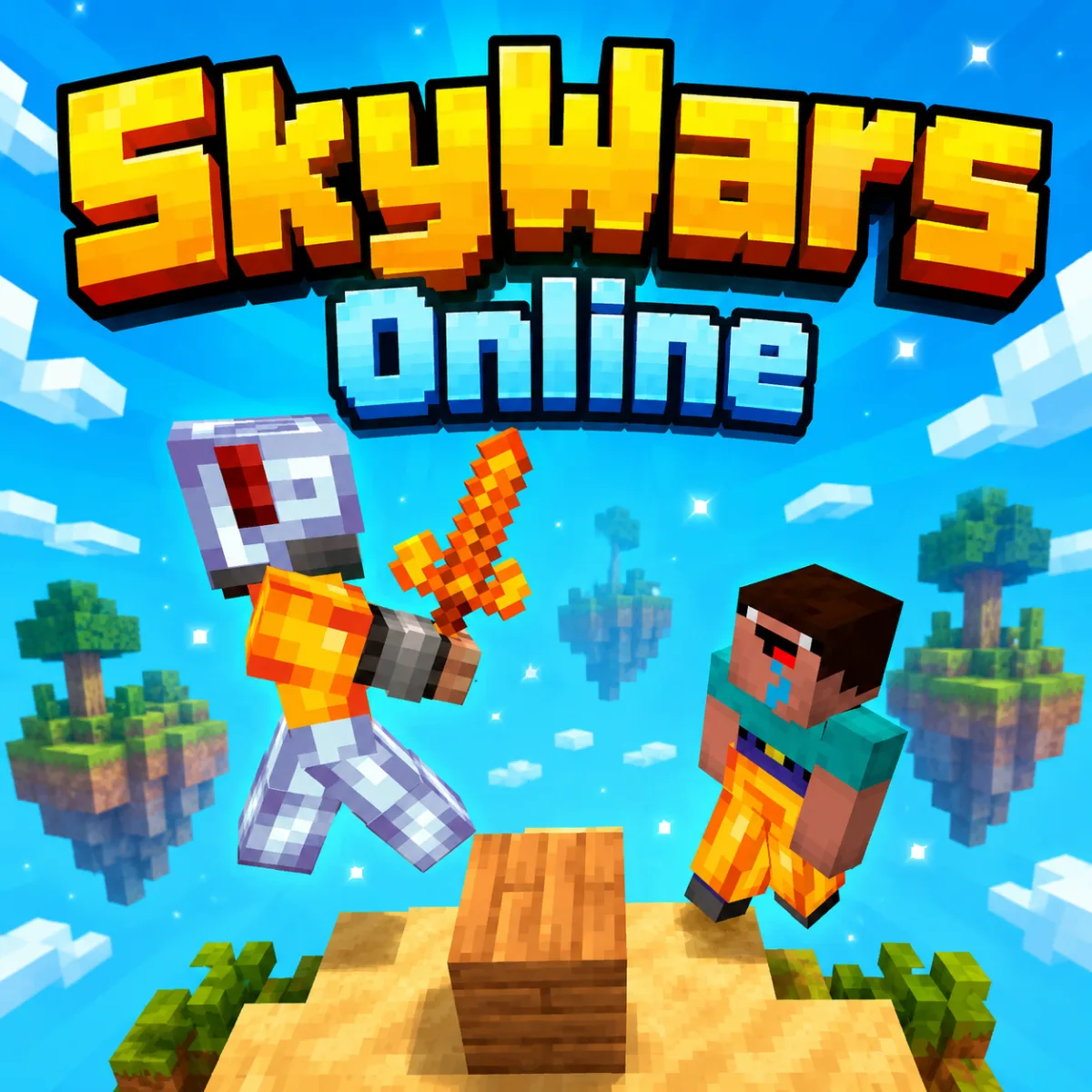
SkyWars Online - Multiplayer Sky Island PvP Survival Game
GAMEPLAY OVERVIEW
Loot Resources and Prepare for Battle
In SkyWars Online, your first priority is searching your starting island for useful supplies. Chests contain essential equipment, including armor, swords, and building blocks. Collect these items quickly to prepare for incoming attacks and improve your chances in combat. Prioritize weapons and armor before moving toward enemy islands.
Build Bridges and Fight Opponents
Building blocks let you connect floating islands and create paths toward rival players. However, crossing these bridges exposes you to enemy attacks, making careful movement important. Use blocks for defensive structures or emergency escapes when opponents approach. Once you reach another island, engage enemies with sword attacks and protect your position from surprise encounters.
Survive Competitive PvP Matches
Every match challenges you to balance exploration, building, and combat. Watch enemy movements before attacking, keep extra blocks for dangerous situations, and avoid rushing into fights without proper equipment. The game features multiple maps and arenas, short match durations, and a competitive leaderboard progression system.
CONTROL GUIDE
W, A, S, D: Move
Shift: Run
Spacebar: Jump
C: Crouch
E: Open inventory
T: Open chat
Tab: Pause / Settings
Left Mouse Button: Attack with sword
Right Mouse Button: Place blocks
Mouse Wheel / 1–6: Switch inventory slots