Time Shooter 2
- W, A, S, D: Move.
- Left Mouse Button: Pick up or shoot a weapon.
- Right Mouse Button: Throw a weapon.
- Moving: Speed up time.



ABOUT TIME SHOOTER 2
Time Shooter 2 is a first-person shooter game featuring time-controlled movement, physics-based combat, and minimalist environments. Players freeze the action by standing still, study enemy positions, and carefully plan each move before restarting time. Players can combine firearms, throwable items, and explosive gas cylinders to defeat enemies in different ways. Freeze the battlefield, plan your attack, and turn every calculated move into the perfect shot!
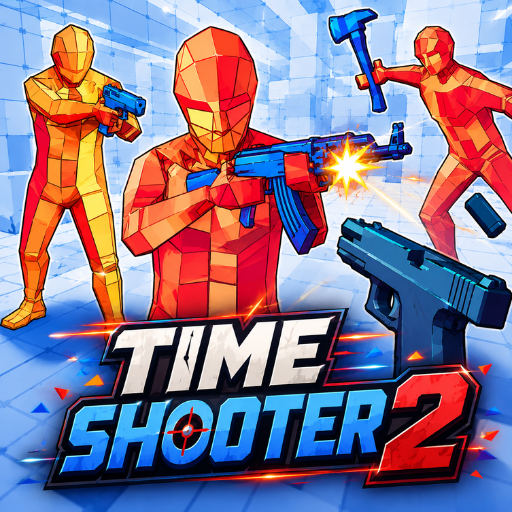 Time Shooter 2 - A first-person shooter game
GAMEPLAY OVERVIEW
Control Time Through Movement
In Time Shooter 2, every encounter revolves around a unique mechanic that connects time directly with player movement. Standing still pauses the surrounding action and provides valuable time to examine enemies before making another move. Moving forward causes time to accelerate again, immediately bringing bullets and opponents back into action. Careful timing allows players to dodge incoming shots while planning safer attacks.
Use Weapons and Interactive Objects
Players can fight with pistols, machine guns, and shotguns depending on the available weapons during each encounter. Weapons can also be taken directly from enemy hands or thrown when another approach becomes necessary. Gas cylinders provide explosive opportunities for dealing with nearby enemies. Interactive objects create additional tactical options beyond simply shooting every opponent.
Plan Every Encounter Carefully
Minimalist environments keep attention focused on enemy positions, incoming attacks, and available objects throughout each fight. Orange humanoid enemies physically react to successful hits and break into triangular pieces after taking damage. Slow-motion movement gives players opportunities to observe incoming bullets and adjust their position before getting hit. Smart planning turns each frozen moment into an opportunity to prepare the next action.
CONTROL GUIDE
- W, A, S, D: Move.
- Left Mouse Button: Pick up or shoot a weapon.
- Right Mouse Button: Throw a weapon.
- Moving: Speed up time.
SIMILAR GAMES