No Splash Zone
PC Controls
W A S D: Walk.
Mouse: Look around.
SPACE: Jump (hold to jump farther).
CLICK: Throw a stone or push a button.
Q: Take a stone in your hand.
ESC: Pause.
Phone and Tablet Controls
Tap the Notice: Begin.
Left Thumb: Walk.
Right Thumb: Look around.
JUMP: Jump.
PUSH / THROW: Push or throw.
Stone Button: Take a stone.













ABOUT NO SPLASH ZONE
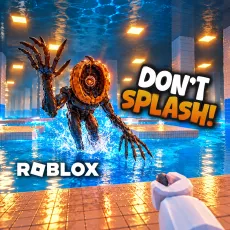
No Splash Zone is a first-person horror parkour game that challenges you to escape endless flooded indoor pools without touching the water. Jump across tiles, avoid dangerous obstacles, and reach each exit while a blind creature hunts anything making noise beneath the surface. With 23 levels, every pool introduces new hazards that make your escape increasingly challenging. You'll need careful movement, well-timed jumps, and clever distractions to survive. Stay quiet, watch your footing, and find a way to reach the final exit!
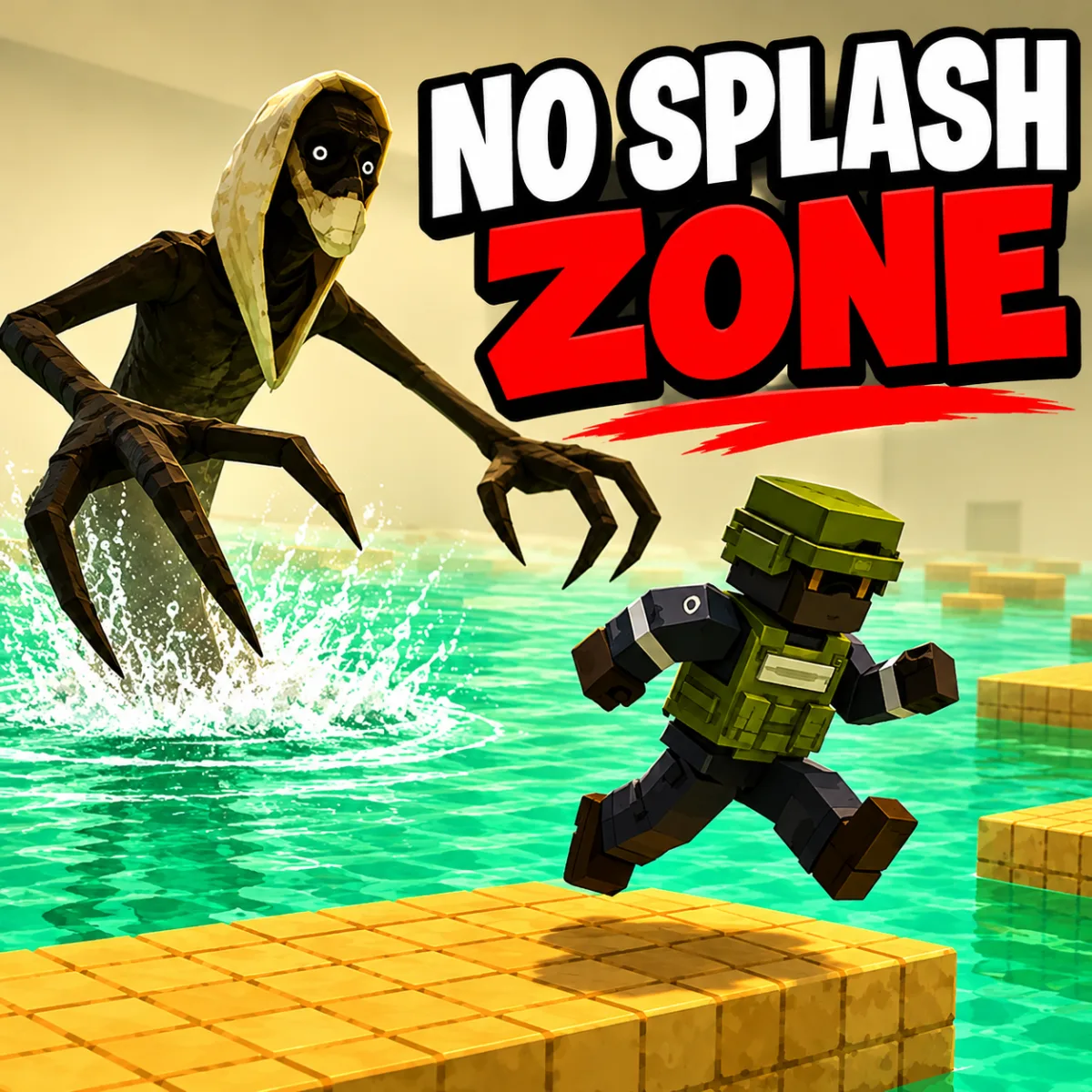
No Splash Zone - First-Person Horror Parkour Game
GAMEPLAY OVERVIEW
Avoid the Water and Outsmart the Creature
In No Splash Zone, your main objective is to cross each flooded pool without making a splash. The creature cannot see you, but it reacts to every sound you make. Throw stones across the water to lure it away and create an opportunity to move safely. One mistake can put you directly within its reach, so plan every jump carefully.
Navigate Traps Across 23 Levels
Each level introduces obstacles that make crossing the pools more difficult. You'll encounter several environmental hazards, including:
Sinking Floors: Platforms that disappear beneath your feet.
Spinning Bridges: Moving obstacles that require careful timing.
Sweeping Walls: Dangerous barriers that can knock you into the water.
Red Plates: Special plates that stun the creature.
Hidden Door Codes: Some exit doors require codes found on nearby pillars.
Progress saves automatically after every completed level, allowing you to continue from your latest achievement.
Control Guide
PC Controls
W A S D: Walk.
Mouse: Look around.
SPACE: Jump (hold to jump farther).
CLICK: Throw a stone or push a button.
Q: Take a stone in your hand.
ESC: Pause.
Phone and Tablet Controls
Tap the Notice: Begin.
Left Thumb: Walk.
Right Thumb: Look around.
JUMP: Jump.
PUSH / THROW: Push or throw.
Stone Button: Take a stone.