Skate Dash
- Hold Left Click: Move forward
- Hold Up Arrow: Move forward
- Hold Right Arrow: Move forward
- Release Input: Slow down
- Spacebar: Jump
- Click During Jumps: Perform tricks
- Touch and Hold: Move forward on mobile
- Lift Finger: Stop movement on mobile
- Tap During Jump: Perform flip on mobile









ABOUT SKATE DASH
Skate Dash skateboarding arcade game delivers fast-paced action through automatic movement and reflex-based platform challenges. Players experience high-speed skating across colorful stages while avoiding hazards and maintaining forward momentum. Every level presents obstacle-filled routes that require quick reactions and careful timing decisions. Moreover, increasingly challenging environments encourage players to improve performance through repeated attempts. The nostalgic arcade presentation creates accessible gameplay suitable for short gaming sessions. Jump onto your board and race toward the finish line today!
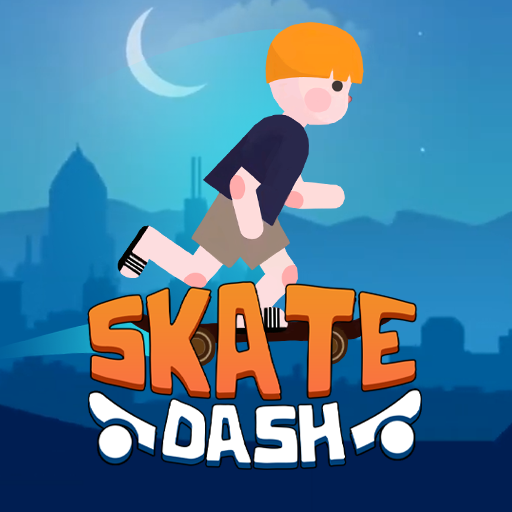 Skate Dash skateboarding arcade game delivers fast-paced action
GAMEPLAY OVERVIEW
Core Gameplay
Skate Dash places players in automatic forward motion across colorful levels packed with hazards. Every stage becomes a race against gravity while demanding quick reactions and smart decisions. Players must determine appropriate moments for jumps across gaps and dangerous terrain. Furthermore, each course introduces new obstacle arrangements that challenge timing and movement control. Successful runs depend on maintaining momentum while safely navigating every environmental threat.
Jumps, Landings, and Tricks
Momentum helps players launch over barriers and cross difficult sections during progression. Releasing movement input slows the skater when unstable platforms create potential dangers ahead. Careful jump timing prevents contact with spikes, pits, and other environmental hazards. In addition, safe landings preserve speed and support continued movement toward level objectives. Players can perform aerial flips during jumps to increase final score totals. However, failed trick attempts result in crashes and immediately end current runs.
Progression and Control Guide
Every new level introduces greater challenges through increasingly demanding environmental obstacles and layouts. Players encounter diverse hazards while developing stronger movement skills across repeated attempts. Collectible items help improve stage performance during continued progression through the game. Therefore, mastering movement fundamentals often creates better opportunities for future success. Looking ahead across the screen helps players prepare for upcoming obstacles more effectively.
Control Guide
- Hold Left Click: Move forward
- Hold Up Arrow: Move forward
- Hold Right Arrow: Move forward
- Release Input: Slow down
- Spacebar: Jump
- Click During Jumps: Perform tricks
- Touch and Hold: Move forward on mobile
- Lift Finger: Stop movement on mobile
- Tap During Jump: Perform flip on mobile
SIMILAR GAMES