No Touch Moo
- Double-click a cell to place a cow.
- Single-click a cell to place an X marker.
- Click an X marker again to clear it.
- Swipe across cells to mark multiple X markers.










ABOUT NO TOUCH MOO
No Touch Moo is a grid logic puzzle game inspired by deduction challenges, sudoku mechanics, and queens-style brain teasers. Players place adorable cows across colorful grids while following strict placement rules and logical constraints. The gameplay focuses on observation, reasoning, and careful planning during every puzzle-solving session. Each challenge rewards thoughtful decisions through satisfying deductions and gradual problem-solving progress. Simple mechanics create an accessible experience while providing meaningful mental challenges for puzzle enthusiasts. Start solving puzzles now and find the perfect place for every cow!
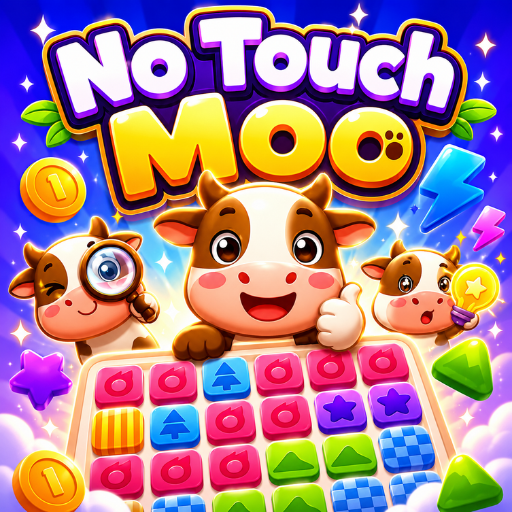 No Touch Moo - A grid logic puzzle game
GAMEPLAY OVERVIEW
Core Puzzle Rules
In No Touch Moo, players place cows on a grid according to several important rules. Each colored region must contain exactly the required number of cows. Every row and every column must also contain the same required amount. Careful observation helps players identify valid placements across the entire puzzle board. Logical deduction remains essential because incorrect placements create conflicts with multiple rules.
Deduction and Strategy
A unique restriction prevents cows from touching each other under any circumstances. Diagonal contact also breaks puzzle rules and requires players to reconsider placements. Every decision influences future possibilities across rows, columns, and colored regions. Strategic marking helps eliminate impossible locations and supports more efficient puzzle solving.
Controls and Puzzle Interaction
The interface provides simple tools for managing puzzle solutions and tracking possibilities. Double-clicking places a cow inside a selected grid cell during gameplay. Single-clicking marks a cell with an X to indicate an invalid position. Additional clicks remove markings whenever players want to revise previous decisions. Swipe actions allow multiple cells to receive X markers through a single movement. These intuitive controls support smooth puzzle solving without unnecessary complexity.
Control Guide:
- Double-click a cell to place a cow.
- Single-click a cell to place an X marker.
- Click an X marker again to clear it.
- Swipe across cells to mark multiple X markers.
SIMILAR GAMES