Backrooms
- Movement: Use WASD keys or arrow keys to move.
- Camera Control: Drag the mouse to adjust viewing direction.















ABOUT BACKROOMS
Backrooms is a free first-person horror adventure game set inside endless empty rooms. The experience traps players within featureless yellow corridors filled with unsettling fluorescent lighting. Flickering lights and constant humming sounds create persistent psychological tension throughout exploration. The premise draws inspiration from a popular internet creepypasta myth. According to the myth, people can accidentally glitch through reality into hidden spaces. These hidden areas form a massive maze of carpeted rooms with repeating wallpaper. Enter the endless corridors and attempt your escape now!
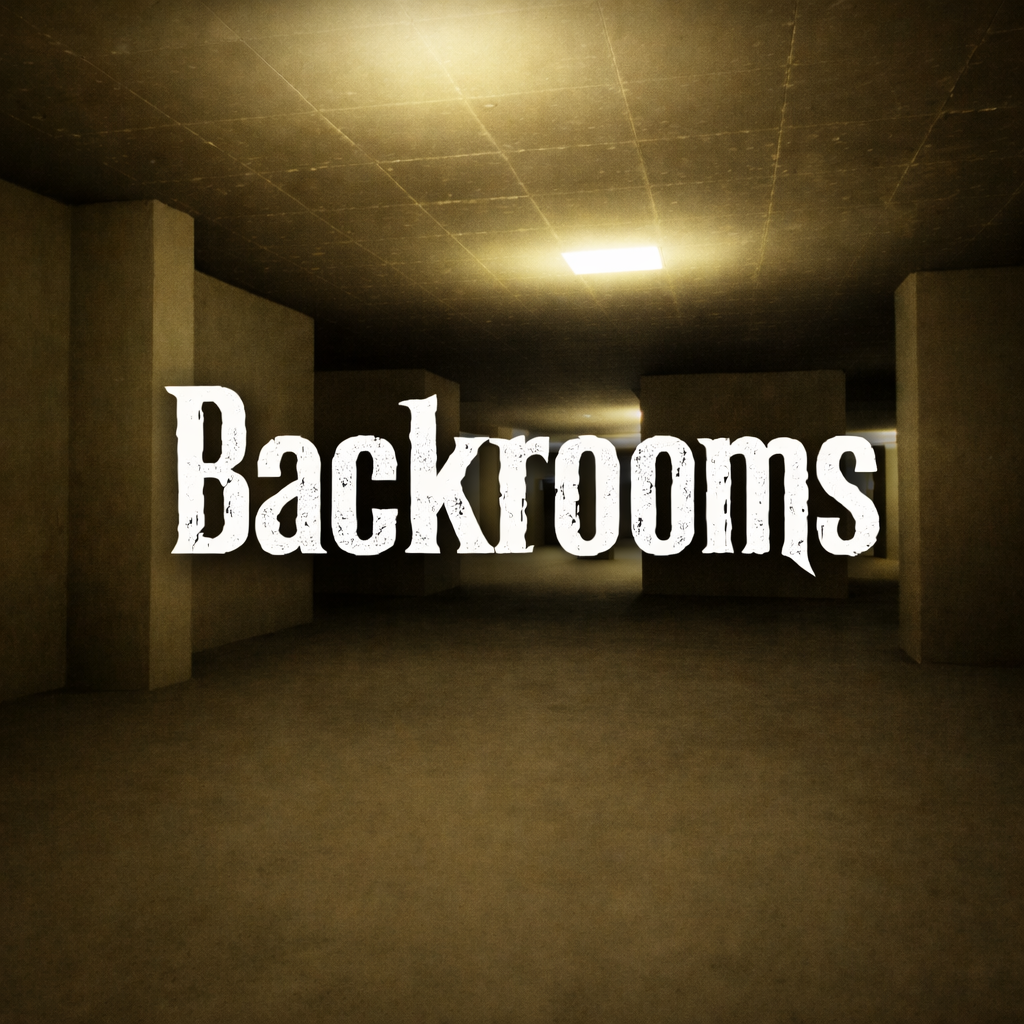 Backrooms - A free first-person horror adventure game
GAMEPLAY OVERVIEW
Core Exploration Experience
Backrooms places players inside seemingly endless interconnected empty hallways. First-person perspective enhances immersion and spatial awareness during navigation. Exploration requires careful movement through repetitive and confusing corridors. Visual uniformity increases disorientation and psychological discomfort. Entities patrol certain areas and threaten players during exploration attempts. Direct encounters create immediate danger and force evasive action. Environmental audio design strengthens tension through constant background noise. Limited time adds urgency to every movement decision. Strategic path selection improves survival chances within the maze.
Game Modes and VR Support
This game includes Classic, Deaf, and Free mode variations. Each mode provides a distinct approach to exploration and tension management.
- Classic mode emphasizes traditional horror pacing and entity avoidance.
- Deaf mode alters audio perception for a different challenge dynamic.
- Free mode allows more flexible exploration within the environment.
VR support expands immersion through compatible headset integration. Oculus Quest 1 and Oculus Quest 2 function with the game. Official SideQuest approval ensures optimized virtual reality performance. Virtual reality increases spatial awareness and atmospheric intensity significantly.
Control Guide
- Movement: Use WASD keys or arrow keys to move.
- Camera Control: Drag the mouse to adjust viewing direction.
SIMILAR GAMES