Horror Nun
- Keyboard movement uses WASD or arrow keys for navigating hallways and school rooms.
- Mouse movement controls camera direction and environmental awareness during exploration.
- Interaction uses the E key or the left mouse button for objects.
- Crouching uses the C key or Control for silent movement.
- Running activates briefly using the Shift key during dangerous moments.
- Dropping items uses the G key for inventory management.














ABOUT HORROR NUN
Horror Nun delivers a first-person survival horror experience set within Eagle’s Junior High School. Players navigate shadowy hallways where danger and psychological tension remain constant throughout exploration. Exploration focuses on fear and puzzle interaction rather than combat or confrontation. Sound design and lighting amplify tension, making every hallway feel unsafe and unpredictable. Limited resources increase risk and force players to plan actions carefully during short but intense play sessions. Escape now and test your courage inside a haunted school built around fear and suspense!
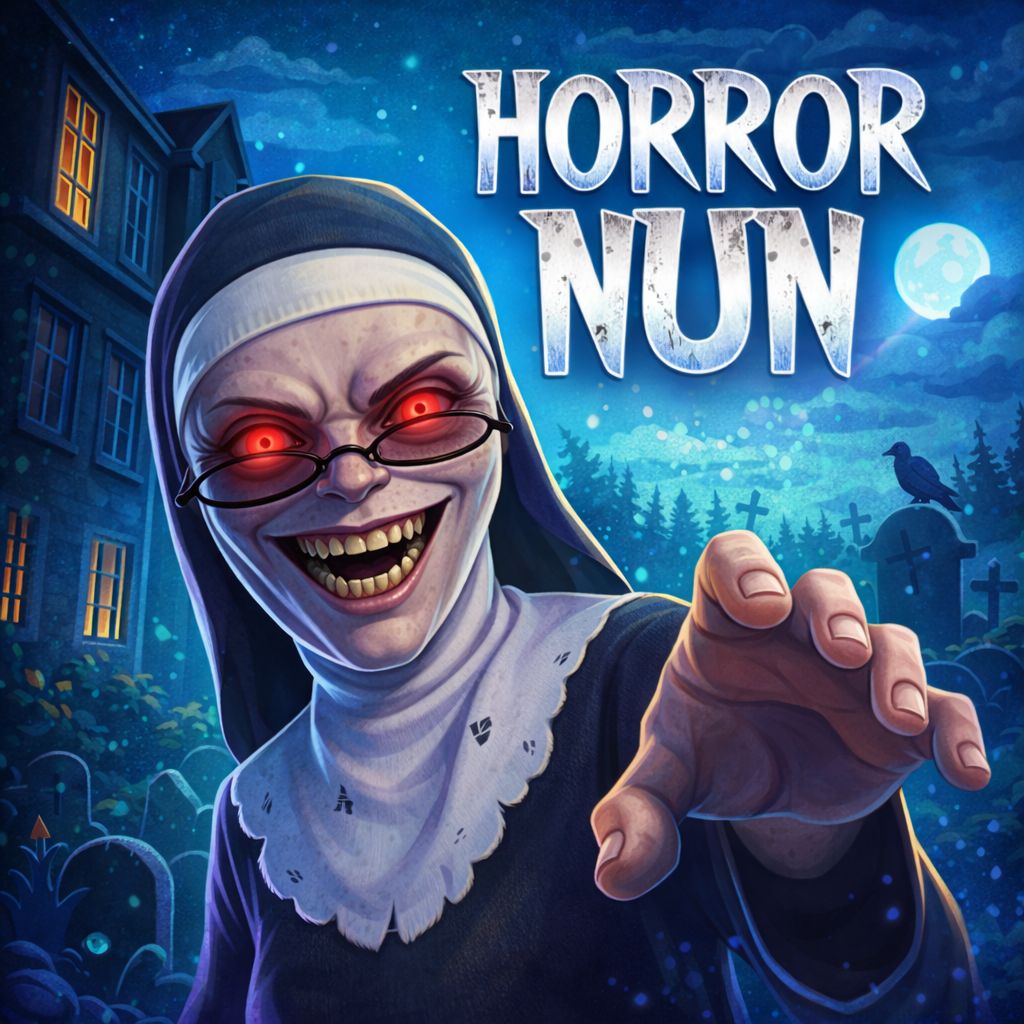
Horror Nun-Survive the night and find a way out
GAMEPLAY OVERVIEW
Story and Atmosphere
The story unfolds during the 1960s inside a religious school, hiding cruelty beneath discipline and faith. Young children arrive expecting structure and care but encounter suffering and punishment instead. Sister Madeline controls the school through strict authority shaped by a tragic past. Locked rooms conceal forgotten voices and disturbing truths scattered throughout the building.
Survival and Stealth Gameplay
Gameplay of Horror Nun centers on surviving Sister Madeline’s hunt while searching for escape routes outside the school. Movement requires silence because noise attracts danger during patrols nearby. Hiding spots include lockers and vents, offering brief safety during tense encounters. Observation plays a vital role since patrol patterns reveal opportunities for progress. Running provides short bursts of speed but increases the risk significantly. Every decision carries consequences affecting survival chances.
Puzzles and Progression Systems
Puzzle solving drives progression through keys, tools, and hidden clues found across classrooms and hallways. Inventory limitations allow carrying only one item, forcing strategic planning before movement. Dropping items enables safer exploration before retrieval later. Objectives unlock doors, vehicles, or aerial exits, offering multiple escape possibilities. Risk levels vary depending on chosen routes and puzzle complexity. Each completed objective brings players closer to freedom.
CONTROLS GUIDE
- Keyboard movement uses WASD or arrow keys for navigating hallways and school rooms.
- Mouse movement controls camera direction and environmental awareness during exploration.
- Interaction uses the E key or the left mouse button for objects.
- Crouching uses the C key or Control for silent movement.
- Running activates briefly using the Shift key during dangerous moments.
- Dropping items uses the G key for inventory management.
MORE HORROR GAMES
- Granny Horror
- Tung Sahur Horror
- Horror Tale