Escape for ASMR Brainrots: +1 Speed and Jump
PC Controls
W/A/S/D: Move
Mouse: Rotate camera
Space: Jump
Mobile Controls
Left Joystick: Move
Right Side of Screen: Rotate camera
Button/Right Joystick: Jump












ABOUT ESCAPE FOR ASMR BRAINROTS: +1 SPEED AND JUMP
Escape for ASMR Brainrots: +1 Speed and Jump is an arcade escape game focused on speed, jumping, brainrot collecting, and character progression. A huge wave constantly moves across the map, forcing you to keep running while searching for brainrots and valuable rewards. Increase your running speed and jump height by pressing keys on your keyboard or using training equipment. Treadmills and trampolines can also train your character automatically in AFK mode. You can customize keyboard key colors and choose different tapping sounds to personalize the leveling experience. Explore the map, compete with other players, discover new creatures, and build your collection of brainrots while improving your stats. Run faster, jump higher, and escape the giant wave while collecting the best brainrots today!
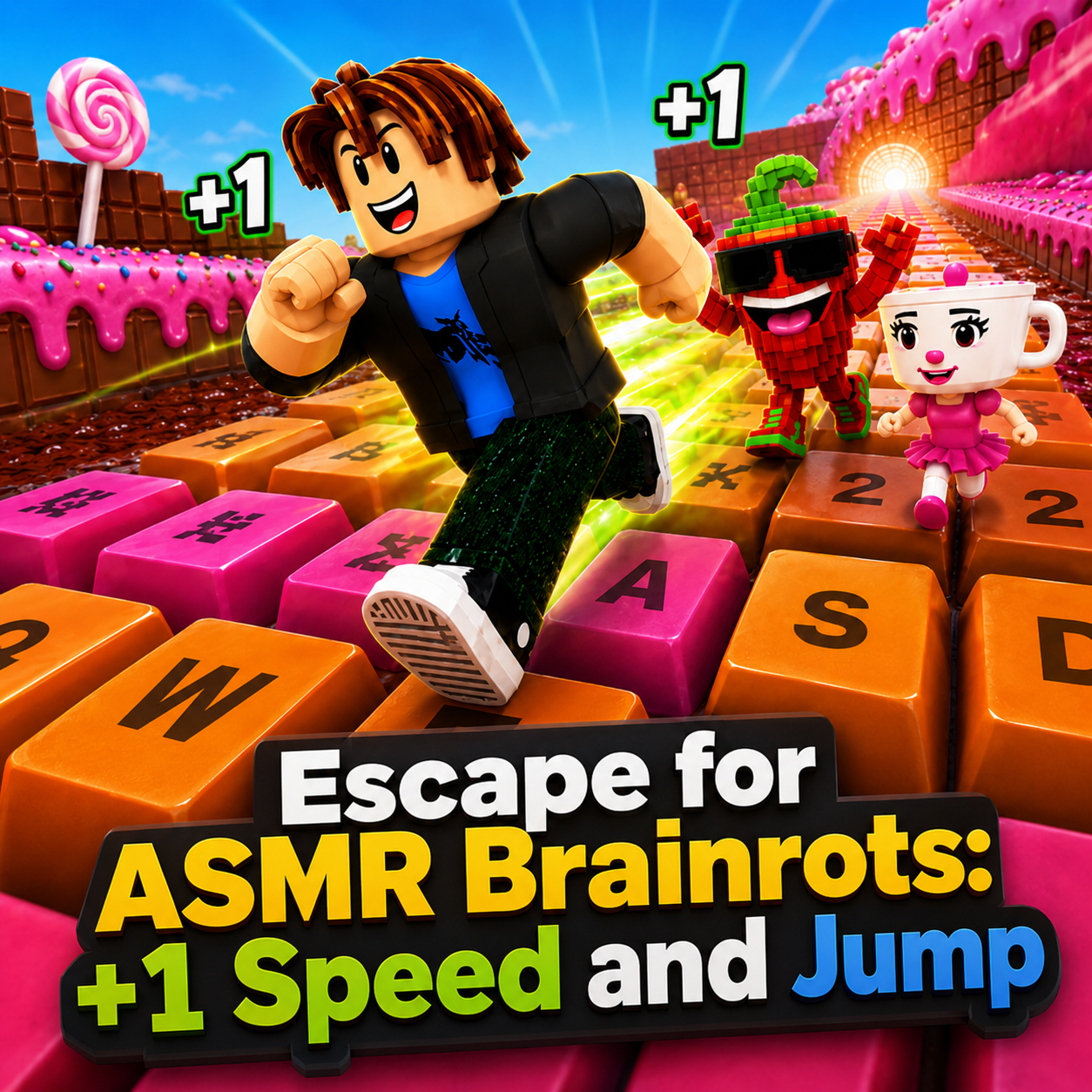
Escape for ASMR Brainrots: +1 Speed and Jump - An arcade escape and progression game
GAMEPLAY OVERVIEW
Escape the Huge Wave
A massive wave constantly moves through the map, making survival one of the main challenges. You need to keep moving while collecting brainrots, coins, and rewards along the way. Higher running speed helps you escape the wave more effectively and catch up with moving prey. Better jumping ability also allows you to reach difficult areas across the map.
Upgrade Speed and Jump
Your character becomes stronger by improving running speed and jump height. You can increase these stats by pressing keyboard keys during active play. Treadmills and trampolines provide another way to train and can continue improving your character in AFK mode. Stronger stats make it easier to escape the wave, catch brainrots, and reach hard-to-access locations.
Collect Brainrots and Customize Your Keyboard
Exploring the map allows you to collect brainrots, discover new creatures, and expand your collection. You can also compete with other players while improving your character's stats. In addition, the keyboard can be customized by changing key colors and selecting the tapping sound you prefer. These options make the progression experience more personalized while you continue hunting for brainrots.
Control Guide
PC Controls
W/A/S/D: Move
Mouse: Rotate camera
Space: Jump
Mobile Controls
Left Joystick: Move
Right Side of Screen: Rotate camera
Button/Right Joystick: Jump
SIMILAR GAMES