+1 Speed Keyboard Lucky Escape
Player 1
- WASD: Move
- Space: Jump
- Shift: Speed up
- Tab / E: Launch a Lucky Block
- E: Interact
- Q: Upgrade a Brainrot
- T: Open the Rebirth menu
Player 2
- Arrow Keys: Move
- L: Jump
- K: Speed up
- U: Launch a Lucky Block
- O: Interact
- U: Upgrade a Brainrot
- Y: Open the Rebirth menu
Mobile
- Virtual Joystick: Move
- Touch Buttons: Jump and perform actions





ABOUT +1 SPEED KEYBOARD LUCKY ESCAPE
+1 Speed Keyboard Lucky Escape is a Brainrot collecting game where you fire Lucky Blocks across a giant keyboard, retrieve the characters inside, and race back while Tung Tung Sahur chases you. The farther a block travels, the rarer its Brainrot can be, creating a balance between increasing your launch range and having enough speed to escape with your reward. Scattered +1 Speed pickups fill your speed bar, while shop upgrades can raise each pickup to +10 and help you prepare for longer runs. Successfully recovered Brainrots enter your base and generate money over time, with 93 characters spread across rarity classes including Legendary, Mythic, Brainrot God, and Secret. Reaching the special 67 Class introduces seven exclusive variants and replaces your usual pursuer with a giant 67 during the chase. Tickets provide another currency for two extra weapons, Range Market upgrades, and stealing characters from other players' bases, while your own base can expand to three floors and hold upgraded Brainrots that earn more. Strengthen your speed, launch toward rarer classes, and bring valuable Brainrots safely home before the chase catches up with you!
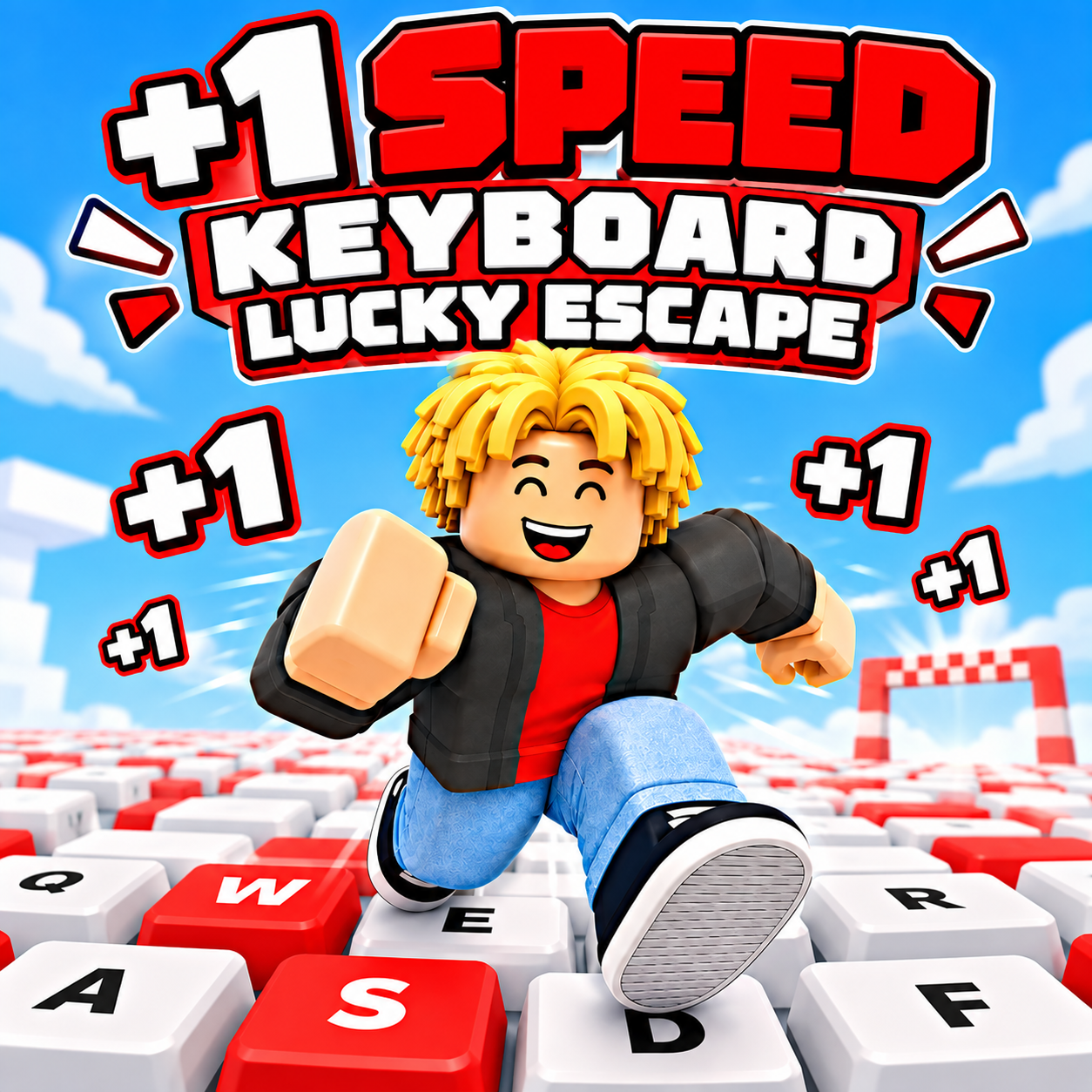
+1 Speed Keyboard Lucky Escape - A Brainrot collecting and chase game
GAMEPLAY OVERVIEW
Launch Lucky Blocks and Race Back to Safety
+1 Speed Keyboard Lucky Escape begins each collecting run by firing a Lucky Block down the giant keyboard with a bazooka, then heading out to open it and retrieve the Brainrot inside. Tung Tung Sahur pursues you while you carry the character toward the Safe Zone, making the return journey an important part of securing each find. +1 Speed pickups scattered across the keys fill your speed bar and help you stay ahead during the chase. Longer launches can reach higher rarity classes, but they also leave you with farther to travel before getting your Brainrot home.
Balance Speed, Range, and Brainrot Progression
Speed upgrades can increase the value of each +1 Speed pickup up to +10, while Range Market improvements send Lucky Blocks farther toward higher classes such as Mythic, Secret, and 67. Raising range beyond what your current speed can safely handle creates a risk because getting caught causes you to lose the Brainrot being carried. Recovered characters generate money at your base and can be upgraded to earn more, while duplicates can be sold for cash. You can also expand the base to three floors, access a customization market for new looks, and use the Rebirth menu.
Reach the 67 Class and Special Events
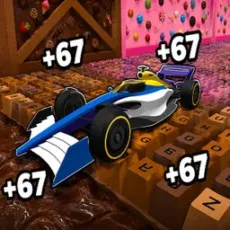
The 67 Class contains seven Brainrot variants unavailable elsewhere, and launching far enough to reach this area changes the pursuit by sending a giant 67 after you instead of Tung Tung Sahur. Three special events can alter a run: 2x Distance doubles Lucky Block travel distance, Ticket Event awards extra Tickets while running across the keyboard, and 2x Value makes every speed pickup count double. Tickets can be spent on two additional weapons and Range Market upgrades, or used to steal characters from other players' bases. The game supports solo play and a 2 Player mode on the same keyboard, while mobile supports 1 Player mode in landscape orientation.
Control Guide
Player 1
- WASD: Move
- Space: Jump
- Shift: Speed up
- Tab / E: Launch a Lucky Block
- E: Interact
- Q: Upgrade a Brainrot
- T: Open the Rebirth menu
Player 2
- Arrow Keys: Move
- L: Jump
- K: Speed up
- U: Launch a Lucky Block
- O: Interact
- U: Upgrade a Brainrot
- Y: Open the Rebirth menu
Mobile
- Virtual Joystick: Move
- Touch Buttons: Jump and perform actions
MORE GAMES