Clean up Toys in the Shop Obby
PC Controls
W/A/S/D: Move character
Mouse: Rotate camera
Space: Jump
Keyboard: Interact with objects and menus
Mobile Controls
Lower-Right Buttons: Perform actions
Joystick: Move character
Swipe: Rotate camera






ABOUT CLEAN UP TOYS IN THE SHOP OBBY
Clean up Toys in the Shop Obby is a cleaning and organization game where you work to create your dream shop. Move around the store, collect scattered objects, and put them back in their proper places. You can discover rare goods while continuing to clean and organize the shop. The game also lets you upgrade your hero's skills to make different tasks more efficient. Increase your backpack capacity and improve your item reach distance as you progress. You can also activate an assistant to help stack items faster. Start cleaning, organize every item, and build your dream shop today!
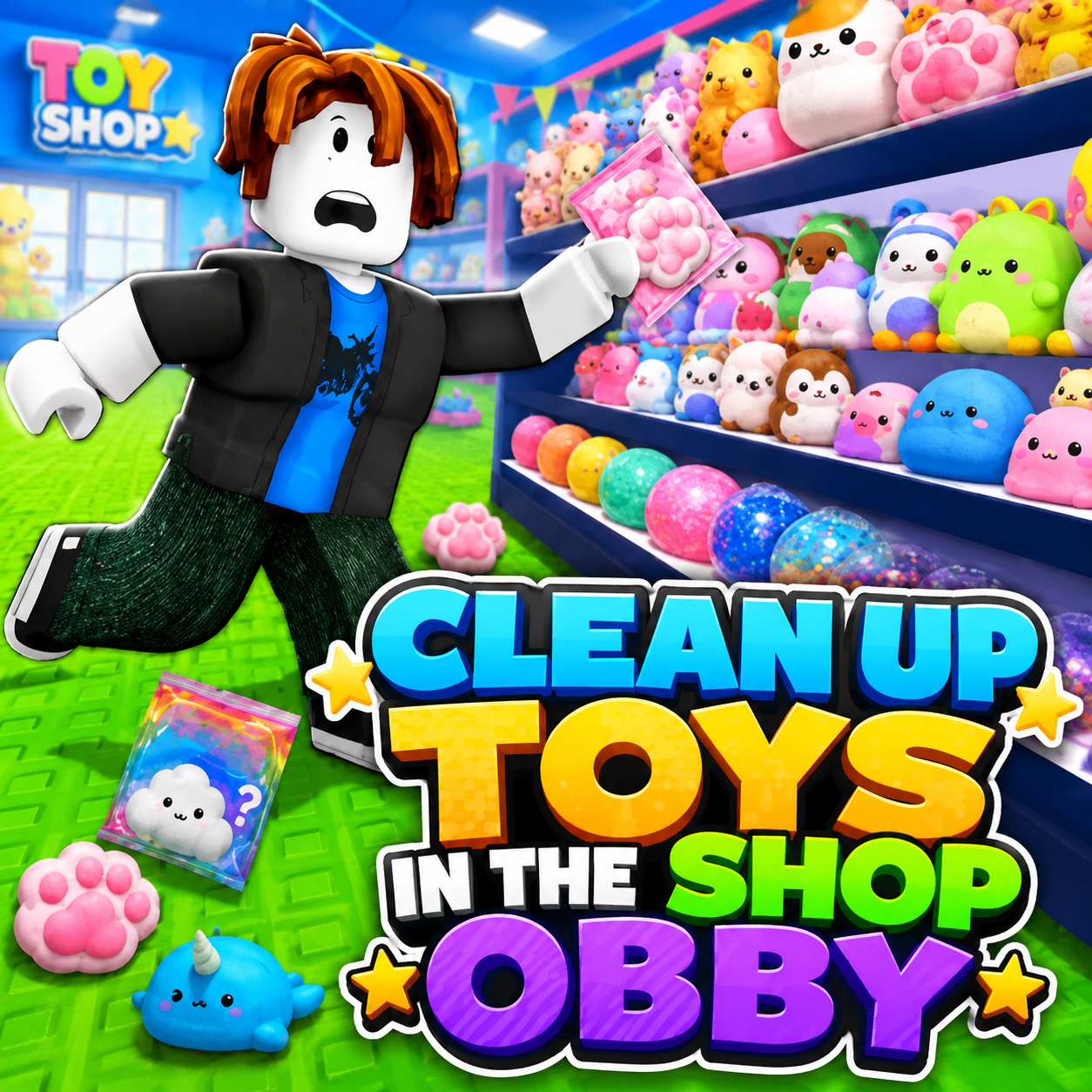
Clean up Toys in the Shop Obby - A cleaning and organization game
GAMEPLAY OVERVIEW
Clean and Organize the Shop
The main objective in Clean up Toys in the Shop Obby is to clean up the store by collecting objects and putting them in their correct places. As you move through the shop, you can continue organizing items and searching for rare goods. Keeping everything tidy is the central part of the gameplay experience. Each completed task helps you work toward creating your dream shop.
Upgrade Your Hero
Several upgrades can help your hero handle cleaning tasks more effectively. You can increase backpack capacity, allowing your character to carry more items. Improving item reach distance also makes it easier to interact with objects from farther away. These upgrades support your progress as you continue organizing the store.
Use an Assistant
You can activate an assistant to help stack items faster inside the shop. This provides additional support while you focus on collecting and organizing objects. Combined with your hero upgrades, the assistant can make the store-cleaning process more efficient. You can continue improving your setup while searching for rare goods.
Control Guide
PC Controls
W/A/S/D: Move character
Mouse: Rotate camera
Space: Jump
Keyboard: Interact with objects and menus
Mobile Controls
Lower-Right Buttons: Perform actions
Joystick: Move character
Swipe: Rotate camera
SIMILAR GAMES