Geometry Dash
- Click—Jump or activate icon movement abilities
- Hold Click—Control flight mechanics for ship and wave transformations
- Release Click —Change movement direction or descend in flying modes


Fandom – Robert Topala
ABOUT GEOMETRY DASH
Geometry Dash is a rhythm platform game delivering intense reactions through fast music, precise jumps, and constantly shifting obstacle patterns. The design draws inspiration from rhythm arcade titles and classic platform games built around precise timing mechanics. This game achieved massive popularity across browser portals and mobile stores with millions of dedicated players worldwide. Players experience excitement, frustration, and adrenaline as each jump demands perfect rhythm synchronization with energetic electronic music tracks. Start your rhythm challenge now and prove your reflex mastery across relentless levels filled with thrilling musical obstacles!
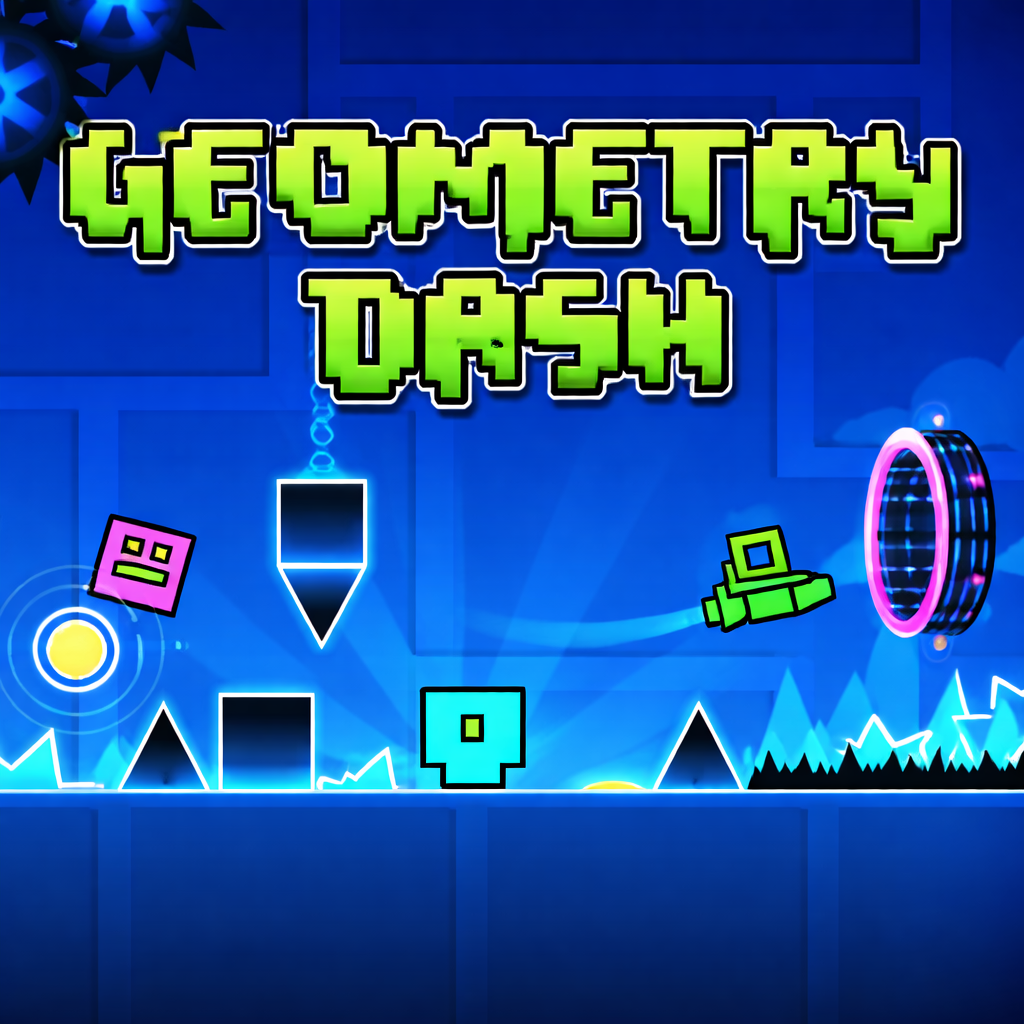 Geometry Dash - A rhythm platform game
GAMEPLAY OVERVIEW
Rhythm Platforming Challenge
Geometry Dash focuses on rhythmic obstacle navigation through dangerous stages filled with spikes, traps, and narrow passages. Players guide a geometric icon through automatically scrolling levels using perfectly timed jumps synchronized with energetic background music. Each level introduces new visual structures, increasing speed, and more complex hazards designed to test concentration and rhythm accuracy. One mistake immediately resets progress to the beginning, creating tension and motivating players to master every pattern through repetition.
Icon Transformations
Geometry Dash includes multiple icon forms that dramatically change movement style and gameplay rhythm during different sections.
- Cube – The cube runs automatically across platforms and jumps over spikes when players press the control button.
- Ship – The ship flies upward while holding the button and descends when releasing it to avoid aerial obstacles.
- Ball – The ball flips gravity between floor and ceiling, allowing rapid movement between surfaces across tight corridors.
- UFO – The UFO performs short bounce jumps during each tap, creating unpredictable aerial movement patterns.
- Wave – The wave travels in zigzag motion upward while holding input and downward after releasing the control.
- Robot – The robot performs variable jump heights depending on press duration, creating more flexible platform navigation.
- Spider – The spider instantly teleports between surfaces with sharp directional switches across tight obstacle spaces.
- Swing – The swing icon moves along curved arcs and allows smooth directional changes through narrow level paths.
Difficulty Level Structure
Geometry Dash organizes its stages across difficulty categories designed for beginners and advanced rhythm platform players.
- Easy – 1 to 2 star levels introduce slower gameplay and basic obstacle arrangements.
- Normal – 3 to 4 star stages increase movement speed and add tighter spike formations.
- Hard – 5 to 6 star challenges introduce complex obstacle timing requiring faster player reactions.
- Harder – 7 to 9 star levels demand strong rhythm awareness and precise control execution.
- Insane – 10 to 11 star stages feature extremely fast gameplay and dense obstacle arrangements.
- Demon – 14 to 15 star levels represent the most brutal challenges built for highly skilled players.
Each increasing tier introduces more intense gameplay patterns requiring stronger rhythm awareness, faster reactions, and deeper level memorization.
Skin and Customization
Geometry Dash includes extensive icon customization allowing players to personalize visual identity during rhythm platform challenges. Players unlock new cube designs, ships, colors, and trails through achievements, coins, and in-game progression milestones. These cosmetic upgrades create strong motivation while allowing players to express creativity through personalized icon appearances. Customization adds long-term progression goals beyond level completion while maintaining the core rhythm challenge experience.
Controls Guide
- Click – Jump or activate icon movement abilities
- Hold Click – Control flight mechanics for ship and wave transformations
- Release Click – Change movement direction or descend in flying modes
SIMILAR GAMES