Patronichi
- Use WASD keys or arrow keys for navigation.
- The mouse supports interaction and placement within the world.
- The main map acts as the central space where characters live, grow, and interact.











ABOUT PATRONICHI
Patronichi is a sandbox simulation game with a gentle and cozy tone. Players can enjoy a tiny living kingdom without pressure or competition. Players populate a small world with charming characters. Interactions unfold naturally over time in the miniature kingdom. Random events introduce variety without creating stress or failure conditions. The atmosphere feels playful, calm, and intentionally slow-paced. Let's play now!
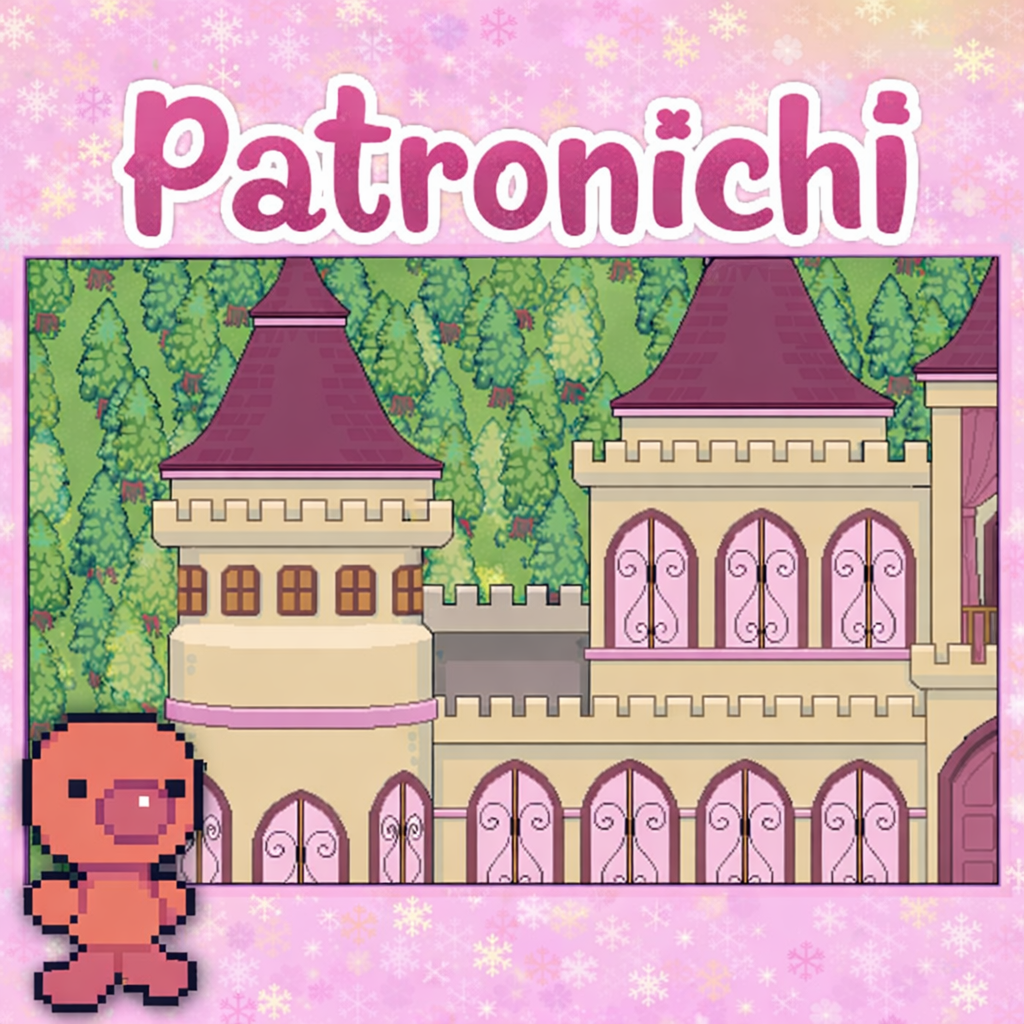
Patronichi- A Stress Free Sandbox Simulation Game
GAMEPLAY OVERVIEW
Core Sandbox Experience
The core gameplay centers on placing characters into a small sandbox world. The system allows the world to develop naturally over time. Interactions occur organically between characters inside the kingdom. Random events appear occasionally to add light surprises.
Character Creation and Placement
Character creation plays a central role within the Patronichi experience. Players design little fellas using simple visual customization options. Body colors and eye styles allow varied appearances. Each character can receive a basic job or role. Characters can reflect friends, imagined personalities, or random creations. The system encourages experimentation without consequences. Every villager feels distinct despite minimalist visuals.
Progression and Role Evolution
Characters in Patronichi evolve gradually through passive progression. Every character begins in a basic baby role. Early roles include Egg, Maid, Student, Scamp, and Villager. Skill Levels increase naturally as time passes. Characters automatically transition into advanced roles after sufficient development. Higher level characters trigger more frequent role related events. This system rewards patience and long term observation. Progress feels calm and continuous rather than goal driven.
CONTROLS GUIDE
- Use WASD keys or arrow keys for navigation.
- The mouse supports interaction and placement within the world.
- The main map acts as the central space where characters live, grow, and interact.
The Main Map
- A changes the Special Event Type between Chicken Fairy, Egg Fairy, Undead Fairy, and Grim Reaper
- B starts the selected Special Event, and some events require Kingdom Sparkle
- C shows Kingdom Sparkle as an overall prosperity value with a maximum of ten
- D moves the camera around the Main Map using WASD or arrow keys
- E highlights a wandering villager, and hovering shows the villager name
- F opens the Villager List for character management
- G replays the text from the most recent event
- H generates a Normal Event using a random villager
The Villager List
- A activates the Search Bar to filter villagers by name
- B exits the Search Bar and returns to the full list
- C selects a villager button showing name, role, and color
- D returns to the player to the Main Map
- E creates a new villager and opens the Villager Mini-Menu
The Villager Mini-Menu
- A displays the villager portrait and name, and typing renames the villager
- B shows Villager Skill Level and allows manual adjustment
- C saves changes and closes the Mini-Menu
- D changes villager color
- E changes villager eye style
- F changes villager role, including baby roles for evolution
- G deletes the villager after holding until the bar fills
SIMILAR GAMES
- Money Laundering Raccoon
- Retromine