Basketball Hit
- Mouse Click or Spacebar: Launch the basketball.
- Mouse Movement near the hoop: Aim the shot when close enough to the basket.
ABOUT BASKETBALL HIT
Basketball Hit is a basketball simulation game where you launch basketballs from incredible distances and try to sink them into a hoop. Starting more than 100 feet away, each shot requires careful timing, precision, and control to build momentum and move forward. A color meter in the center of the screen helps you determine the right moment to launch the ball. Clicking when the meter turns green provides the most power and bounce, while red and yellow indicate weaker results. Your strength, speed, and bounce statistics also affect the ball's speed and distance during each attempt. As you progress, you can earn points from playing games or watching advertisements to improve abilities, unlock environments, and customize your character. Take your best shot and start your Basketball Hit challenge today!
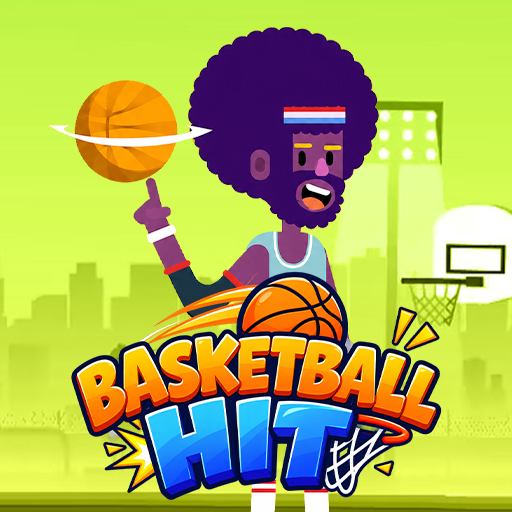
Basketball Hit is a basketball simulation game
GAMEPLAY OVERVIEW
Launch and Timing
Basketball Hit centers on launching basketballs toward a hoop from increasingly challenging distances. The color meter provides a timing guide, with green representing a flawless launch and the best power and bounce. Meanwhile, yellow indicates a mediocre shot, while red represents a poor attempt. Precise timing is therefore important for gaining momentum and progressing forward.
Aiming and Statistics
When the ball gets close enough to the hoop, players can click and drag the mouse to adjust their shot direction. The ball's speed and distance are influenced by statistics such as strength, speed, and bounce. Improving these abilities can help players make better progress through each level. Points earned from games or advertisements can be reinvested into these statistics.
Customization and Upgrades
The Locker Room allows players to switch their character and change the game's background. Some cosmetic options are free, while others require upgrades or earned points. Players can also watch advertisements to receive bonus points and use them to improve power, speed, or bounce. These progression options provide additional ways to customize the experience and develop abilities.
Control Guide
- Mouse Click or Spacebar: Launch the basketball.
- Mouse Movement near the hoop: Aim the shot when close enough to the basket.
SIMILAR GAME