Melon Sandbox
- Left Mouse Click: Drag and drop objects
- Right Mouse Click: Open options such as delete or freeze



ABOUT MELON SANDBOX
Melon Sandbox is a physics-based ragdoll sandbox game developed by DUCKY Limited and released in 2021. In this game, players explore a no-rules environment designed for experimentation, creativity, and chaotic interactions using a wide range of tools. The experience offers complete freedom to build, destroy, and simulate scenarios across multiple pixelated playground maps. Additionally, diverse ragdoll characters and interactive objects create dynamic reactions based on physics and applied forces. The sandbox design removes missions and limits, allowing players to focus entirely on creative expression and experimentation. As a result, every session delivers unique outcomes driven by imagination and curiosity. Jump into the sandbox now and create your own chaotic experiments without limits!
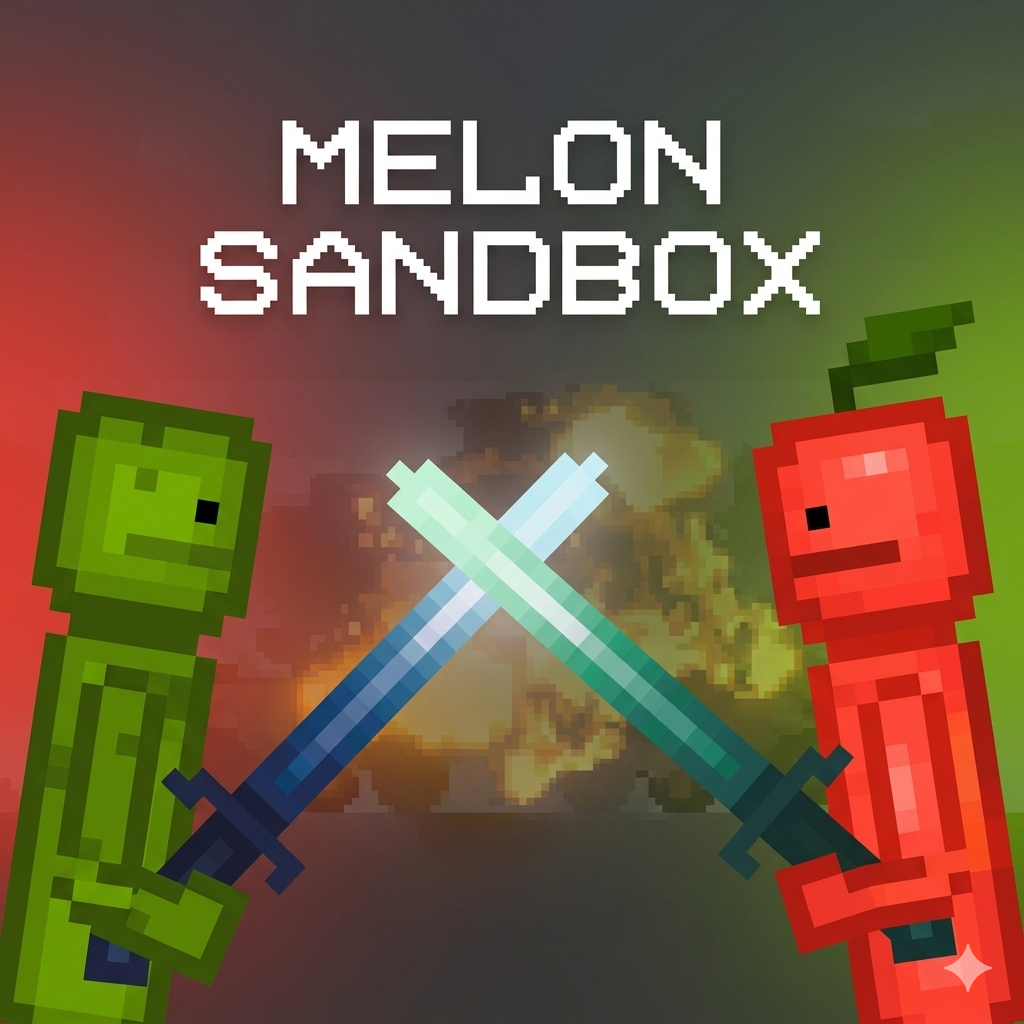
Melon Sandbox - A physics-based ragdoll sandbox game
GAMEPLAY OVERVIEW
Core Sandbox Mechanics
In this game, players use drag-and-drop mechanics to place characters, weapons, and props anywhere within open playground environments. The objective focuses on experimentation rather than progression, allowing players to create scenes without restrictions or predefined goals. Each object interacts through realistic physics, enabling collisions, force application, and dynamic reactions during gameplay. Additionally, players can delete, freeze, or activate objects to control interactions and shape outcomes within their custom scenarios. Consequently, creativity and experimentation drive every moment of gameplay.
Tools, Maps, and Creative Freedom
Melon Sandbox includes twelve grid-based maps featuring diverse environments such as cities, forests, deserts, laboratories, and space-themed areas. Players access a massive toolkit containing weapons, vehicles, armor, and various interactive items for building complex scenes. Ragdoll characters including melon, pumpkin, apple, cactus, and stickman react differently to damage and movement forces. Furthermore, the editor mode allows players to create custom maps and modifications for expanded gameplay variety. This combination ensures endless possibilities for experimentation, construction, and destruction across every session.
Control Guide
- Left Mouse Click: Drag and drop objects
- Right Mouse Click: Open options such as delete or freeze
SIMILAR GAMES