Curve Rush 2
- Left Mouse Button Hold: The player builds speed and momentum while rolling across slopes.
- Left Mouse Button Release: The player stops pushing to control jumps and prepare landings.











ABOUT CURVE RUSH 2
Curve Rush 2 delivers a fast-paced arcade experience on dynamic tracks filled with changing terrain conditions. Each run emphasizes smooth control and rhythm while maintaining speed across unpredictable environments. Visual variety appears through themed maps and changing effects during continuous sessions. The game keeps gameplay accessible while demanding consistent focus and mastery of control. The arcade structure supports quick retries and constant engagement. The desert setting introduces the challenge, while variety keeps every run distinct. Step into the game and ride the curves now!
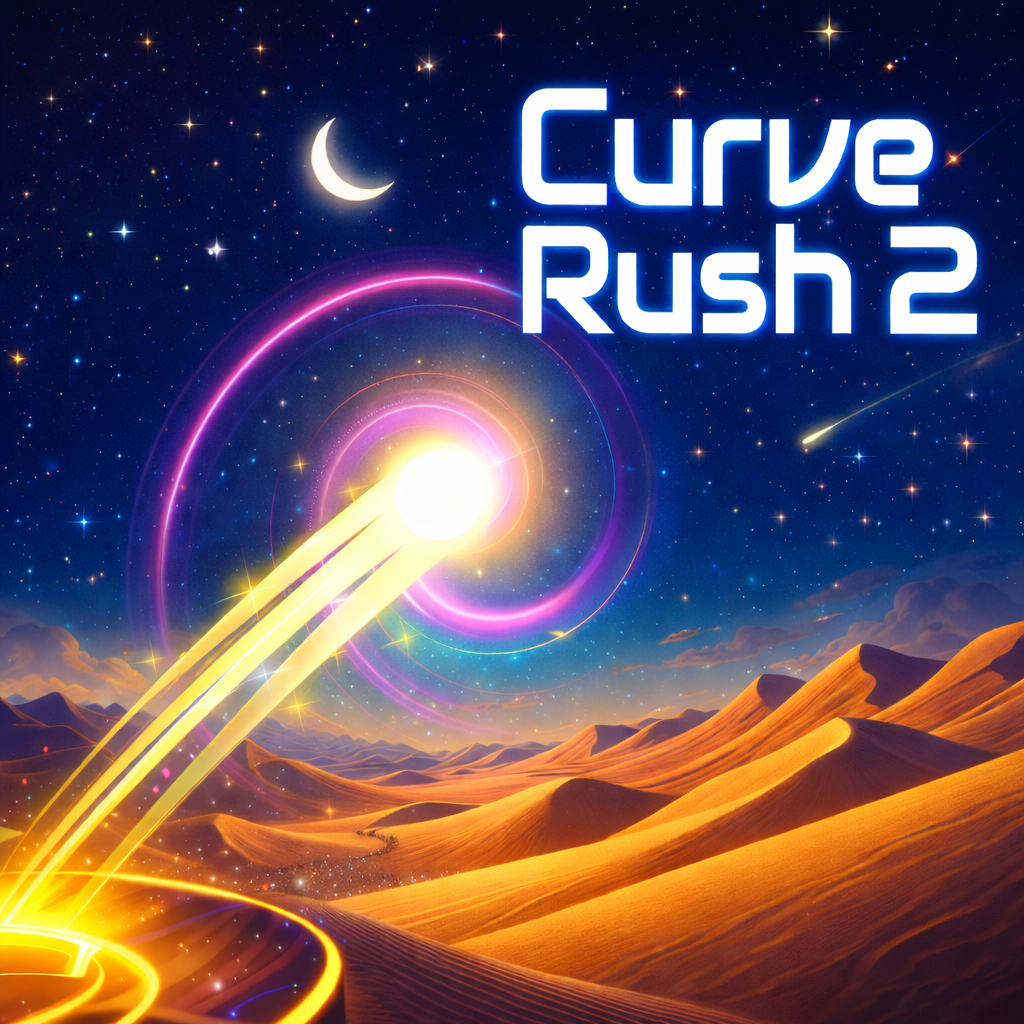 Curve Rush 2 for high-energy arcade racing
GAMEPLAY OVERVIEW
Core Gameplay
Curve Rush 2 centers on rolling a ball across curved tracks using precise momentum management. Each slope builds speed while every jump tests timing and release control. Players must balance acceleration and restraint to maintain distance and stability. The physics system rewards smooth movement and punishes mistimed inputs quickly. Continuous forward motion creates constant pressure during every run.
Maps and Track Variety
The game introduces multiple themed maps designed to change pacing and visual feedback.
- Ice terrain affects control and slide behavior during movement.
- Lava terrain increases tension through dramatic visuals and faster reactions.
- Night terrain alters visibility while maintaining core mechanics and momentum rules.
Map switching during sessions keeps gameplay fresh and unpredictable.
Items and Visual Variety
Interactive items appear along tracks and influence momentum during active runs. Some items boost speed while others alter movement paths unexpectedly. These interactions add variety without changing the core control system. New ball designs provide visual distinction during repeated attempts. The combination of physics mastery and varied environments sustains replay value across sessions.
CONTROLS GUIDE
- Left Mouse Button Hold: The player builds speed and momentum while rolling across slopes.
- Left Mouse Button Release: The player stops pushing to control jumps and prepare landings.
SIMILAR GAMES